
Kindly make picture related to this article
Here is your rewritten article in a smooth, creator-style tone — as if you wrote it for Binance Feed.
(If you want it more formal, shorter, or $BTC with emojis removed, I can adjust it.)
---
LET’S JUMP INTO P2P TRADING ON BINANCE 🚀
Greetings, everyone!$BTC
If you’re stepping into the crypto world or still exploring the powerful features of Binance — the world’s leading crypto exchange, then trust me… you’re missing out on a lot!
So, let’s say you’re ready to begin your trading journey and you need to deposit funds into your Binance account. What’s the easiest method to start?
That’s where P2P Trading comes in.
---
What Is P2P?
P2P stands for peer-to-peer.
On Binance, P2P allows users to buy and sell crypto directly with one another — no middleman involved.
It gives you full control, flexible payment options, and smooth transactions.
And yes — it’s one of the easiest ways to deposit funds into your Binance account.
---
LET’S BEGIN 👇🏻
---
STEP 01 — Create Your Binance Account
If you’re new, create your Binance account and complete your identity verification.
If you already have a verified account, simply open the Binance app — your home screen will appear.
---
STEP 02 — Tap “Deposit”
On the top right of your homepage, you’ll see Deposit.
Click it.
---
STEP 03 — Select “P2P Trading”
If your wallet is empty, no problem.
Just buy crypto directly from verified users via P2P Trading.
Tap P2P Trading.
---
STEP 04 — Choose What You Want to Buy
Click on BUY
Tap USDT (or the crypto shown there)
Select the asset you want to purchase — I selected BTC
---
STEP 05 — Enter Your Amount
For convenience, tap Amount and type how much you want to buy.
I entered 100,000 PKR.
---
STEP 06 — Select Your Payment Method
Tap Payment, then choose the method that suits you best.
I selected Bank Transfer — but choose whatever works easily for you.
Using Step 05 & 06, Binance shows you sellers matching your preferences.
---
STEP 07 — Choose a Seller
Pick the seller who best fits your amount, payment method, and price preference.
---
STEP 08 — Read Advertiser Terms Carefully
Before placing your order, always read the seller’s terms so you know their conditions.
---
STEP 09 — Place Your Order
If everything looks good:
Enter the amount you want to buy
Select your payment option
Tap BUY
Make the payment exactly as instructed
Share your payment screenshot if required
Tap “Transfer / Notify Seller” once you’ve paid
---
STEP 10 — Receive Your Crypto
After the seller confirms your payment, your crypto will be released.
Check your Funding Wallet — your assets will be there.
---
CONGRATULATIONS ON YOUR FIRST P2P TRANSACTION! 🙌🏻
#P2PTrading #BTC #CryptoEducation💡🚀 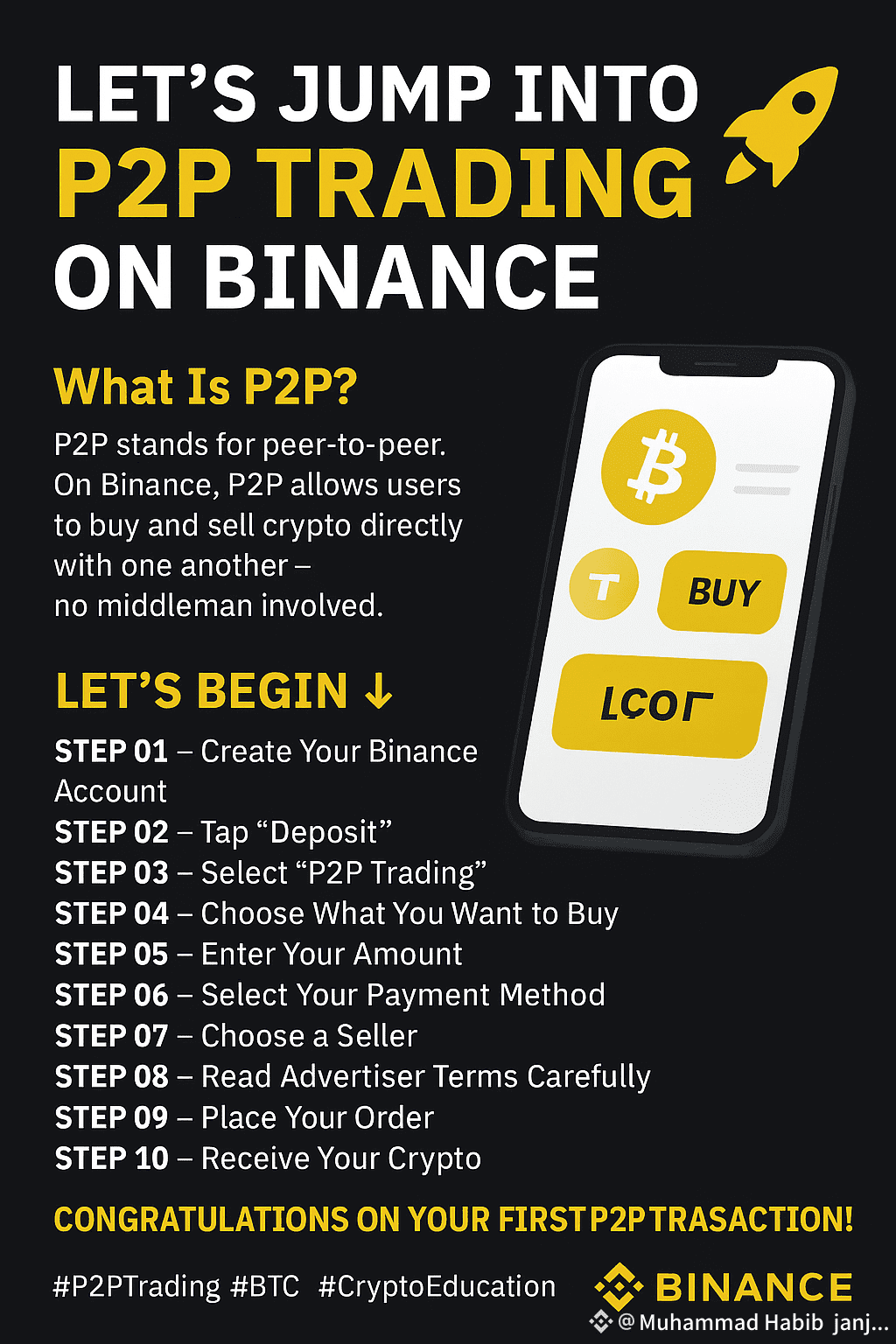 ucation #P2PTransactions #SHIB #FET #BinancePakistan
---
If you want, I can also create:
✅ A thumbnail image for this article
✅ A carousel-style version for Instagram
✅ A short video script for TikTok/Reels
Just tell me!

