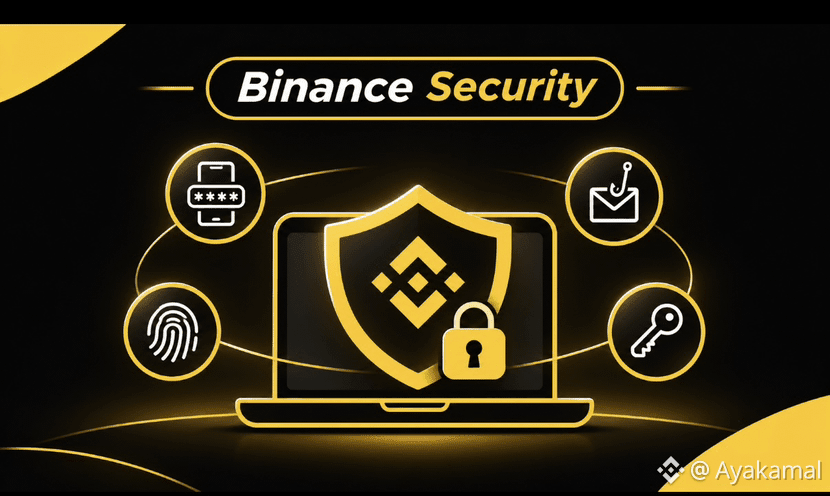
🔐 Is Your Binance Password Enough to Protect Your Account?
Imagine someone manages to get hold of your password.
Would that automatically give them access to your account?
This is exactly why Two-Factor Authentication (2FA) matters.
Let’s understand it.
🔸 What Is 2FA?
Two-Factor Authentication is an additional security layer that asks you to verify your identity through a second method, beyond your password.
So, even if someone discovers your password, they may still need to pass another verification step.
🔸 What 2FA Methods Does Binance Support?
Binance provides several verification options, depending on availability and account settings:
📱 Authenticator App
Generates time-based verification codes on your device.
🔑 Passkeys
Allow you to verify using supported device security features, such as biometrics or a device PIN.
📧 Email Verification
Sends a verification code to your registered email.
📲 Phone Verification
Uses an SMS or phone call verification code.
🔸 How Can You Enable It?
1. Open your Binance app.
2. Go to Account Center.
3. Select Security.
4. Find the available Two-Factor Authentication options.
5. Follow the instructions to activate your preferred method.
💡 A Small Step Worth Taking
Don’t rely on your password alone.
Review your account security settings and make sure your verification methods are up to date.
Remember: 2FA adds an important layer of protection, but it doesn’t eliminate every risk. Never share verification codes, and always verify unexpected login or security requests.
🔎 Learn how to enable Google Authenticator:
https://www.binance.com/en/support/faq/detail/f3b1adaed1c846bbbba0f3650ad23e45
Learn more about Passkeys:
https://www.binance.com/en/support/faq/detail/2aec8fe0437242f2a5fbef9cdb71d4c2
Your account security starts with the steps you take today. 💛
#Binance #Binancesecurity #STAYSAFU 💛