I struck gold, seriously.
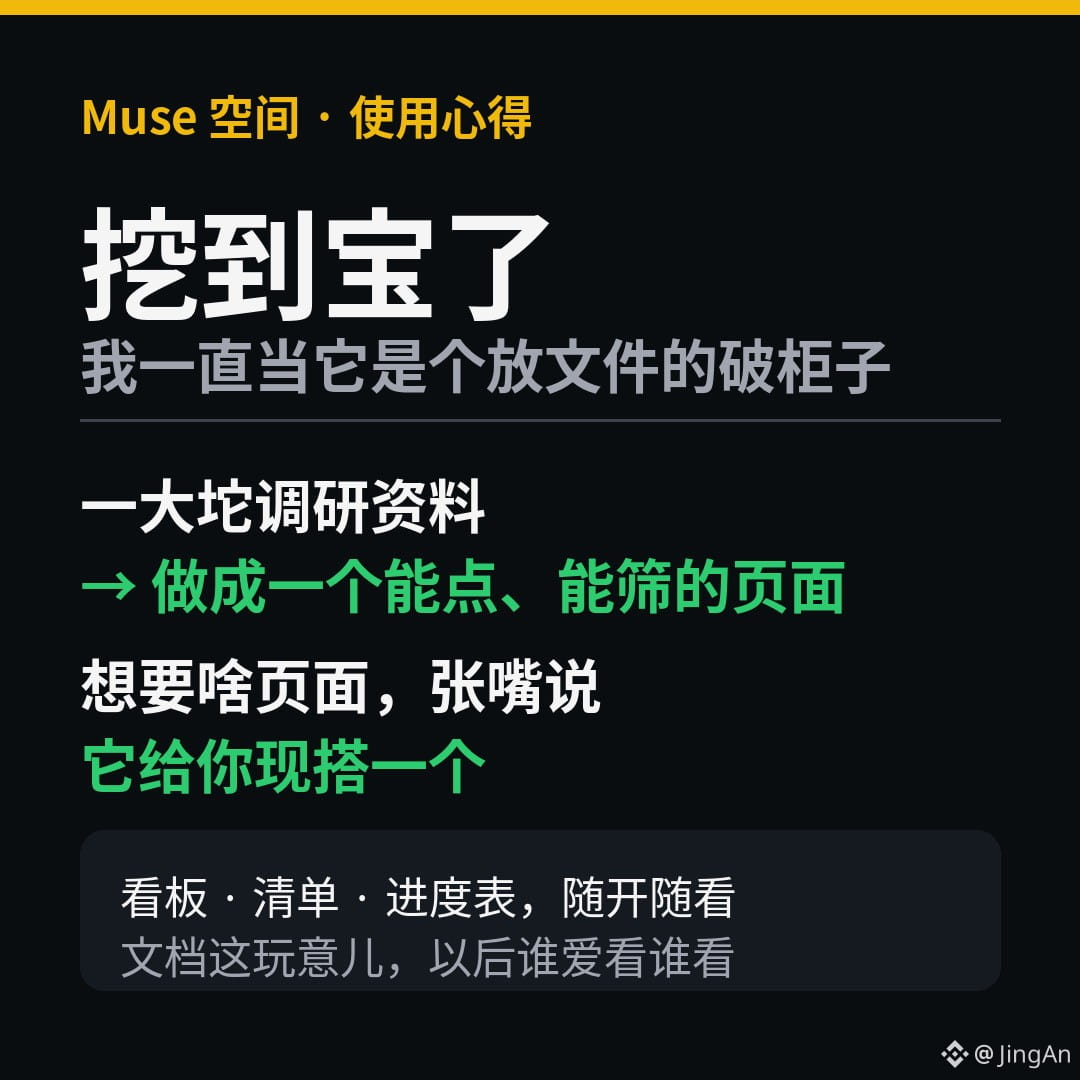
There’s this thing in Muse called “Spaces.” I always thought it was just some lousy filing cabinet for documents, so I never gave it a second glance.
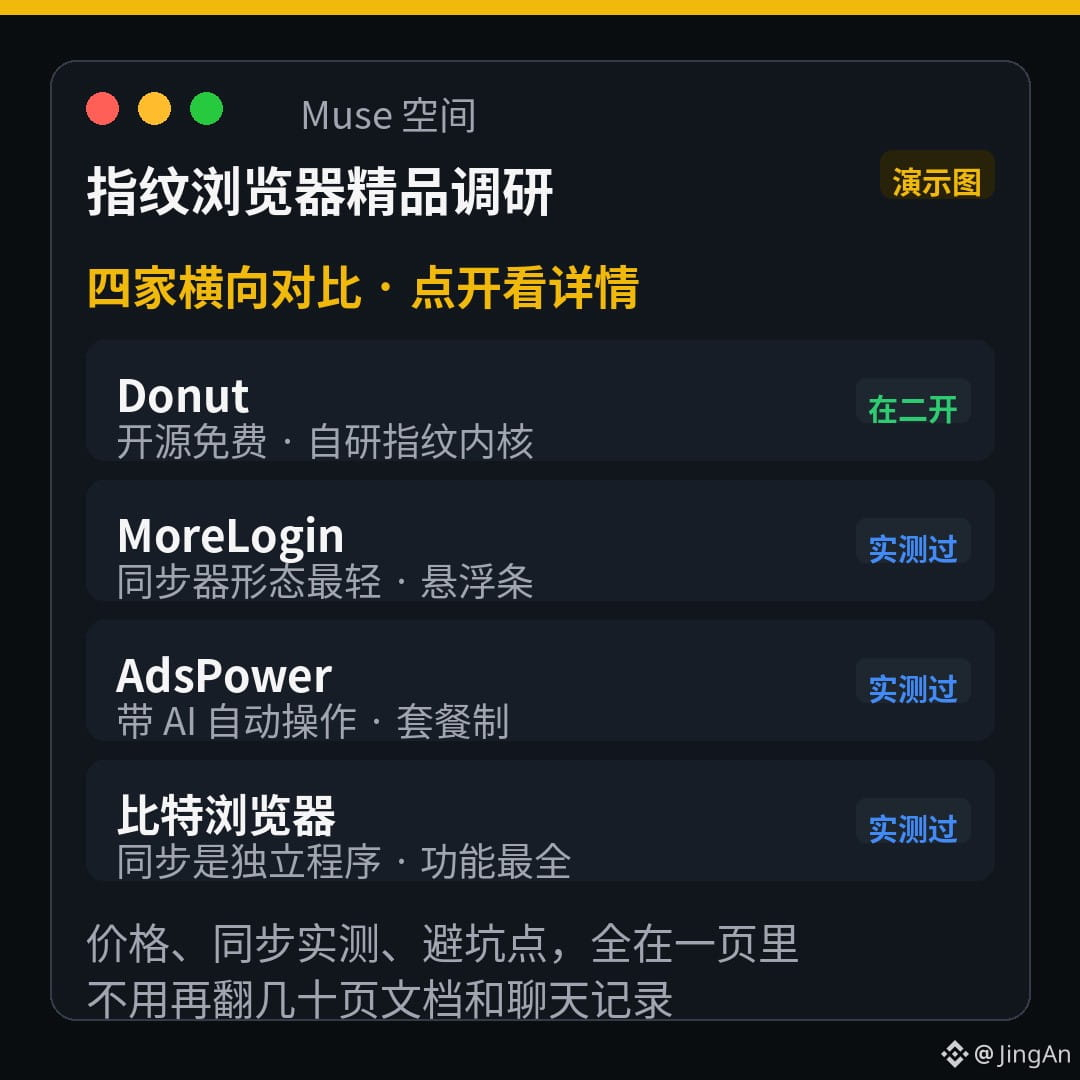
A while back, I asked it to look into which fingerprint browsers were worth using. It gathered a mountain of info, and I was bracing myself for a long read. But instead, it made me a whole page—prices, pros and cons, and comparisons for several options, all laid out right there. You can click around, filter, and compare. It’s like opening a little website.
My only thought at the time was: from now on, let whoever wants to read documents read them.
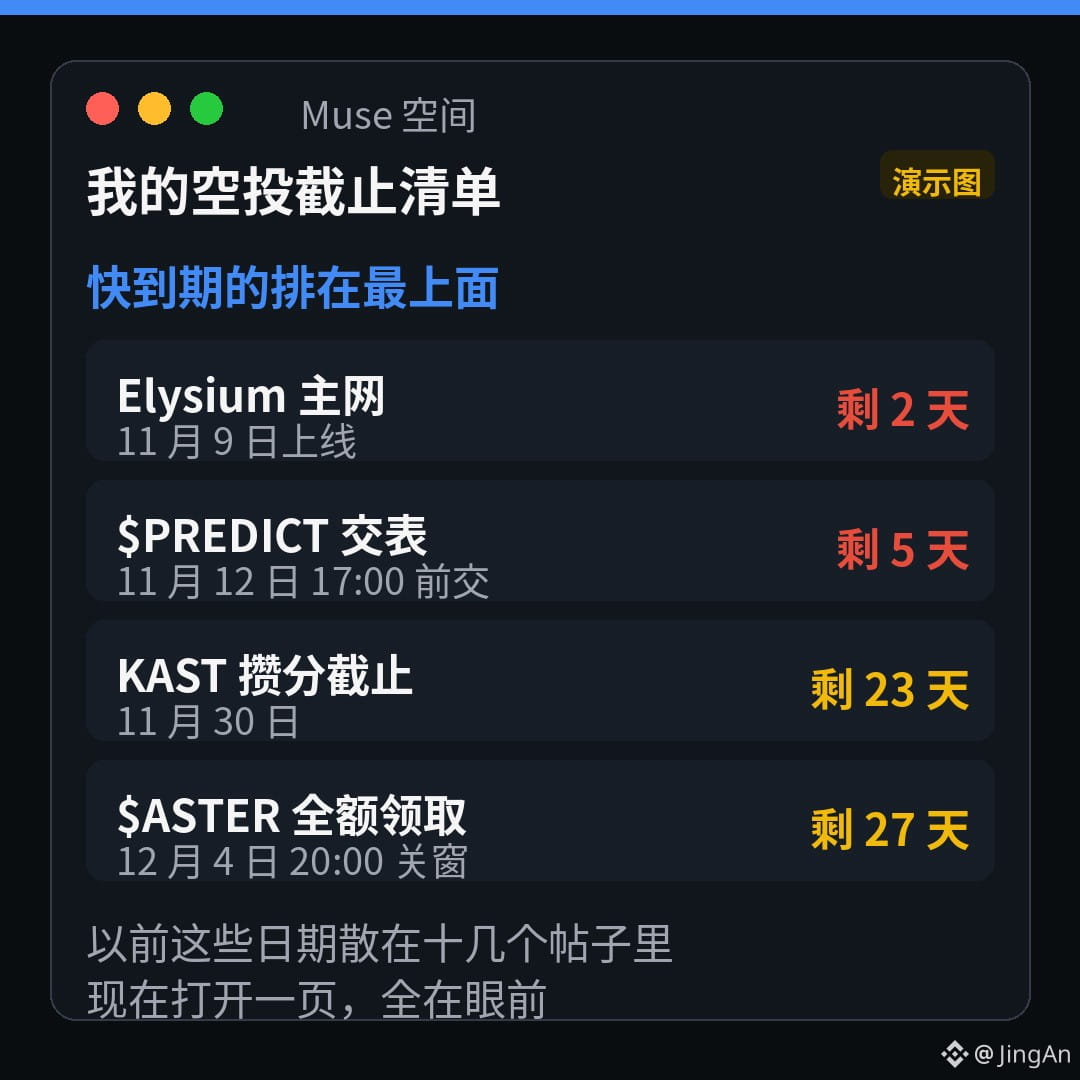
Later, I realized this is what the feature is really for: just describe the kind of page you want, and it’ll build one on the spot. Dashboards, checklists, progress trackers—whatever you want. Once it’s built, it stays there, ready whenever you want to open it.
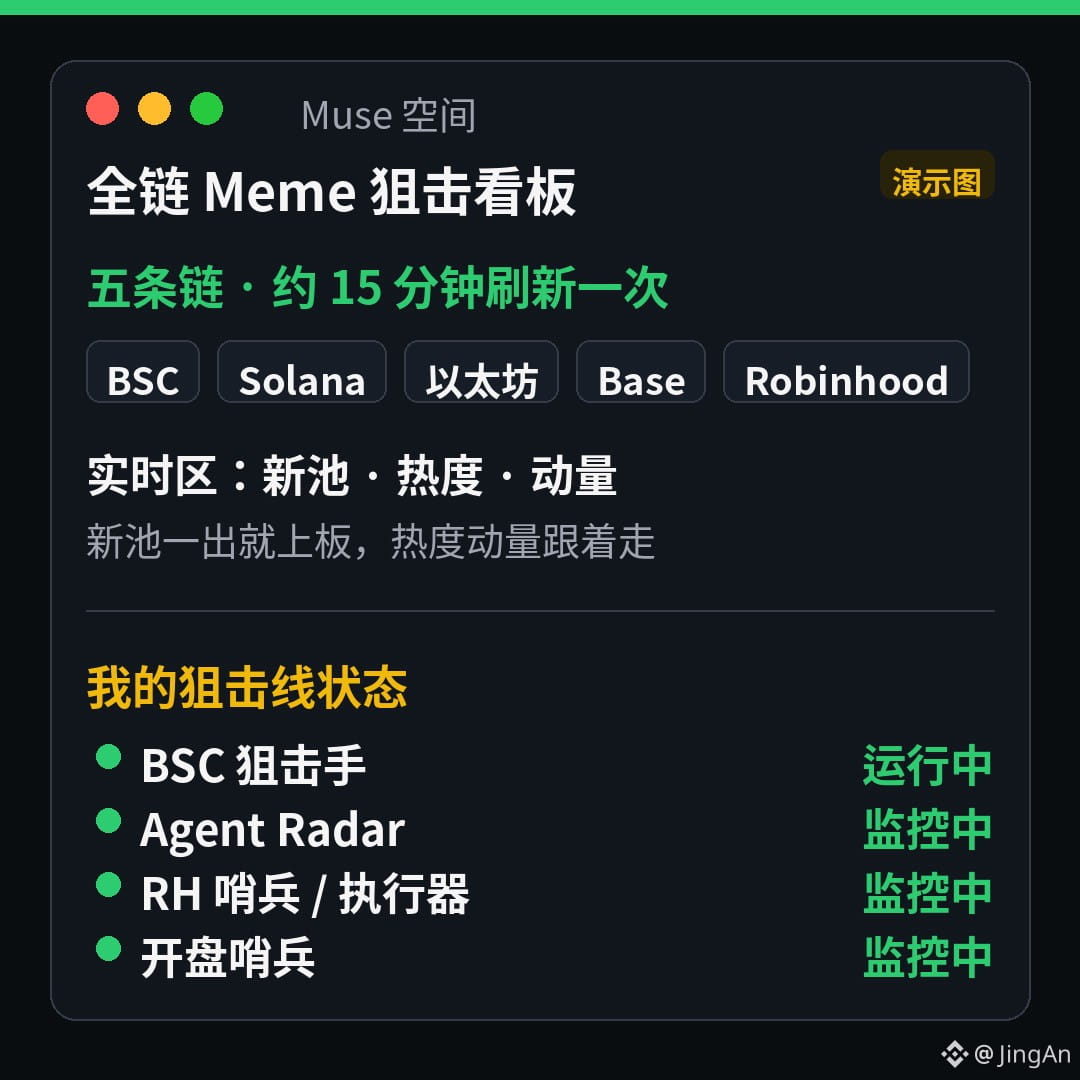
In fact, I just had it build me a cross-chain meme-sniping dashboard. Before, all this stuff was scattered across chat logs, spreadsheets, and notes. Every time I needed something, I’d spend ages digging around. Just thinking about it gave me a headache.
Honestly, this feature is hidden way too well. Nobody around me had even mentioned it. I’ve been recommending it to everyone these past few days—it’s seriously that useful.
If you’ve got a pile of messy info or a bunch of progress to keep track of every day, go give it a try. Just say what you want, and it’ll take care of the rest.
Good things deserve to be shared.
#Muse
There’s this thing in Muse called “Spaces.” I always thought it was just some lousy filing cabinet for documents, so I never gave it a second glance.
A while back, I asked it to look into which fingerprint browsers were worth using. It gathered a mountain of info, and I was bracing myself for a long read. But instead, it made me a whole page—prices, pros and cons, and comparisons for several options, all laid out right there. You can click around, filter, and compare. It’s like opening a little website.
My only thought at the time was: from now on, let whoever wants to read documents read them.
Later, I realized this is what the feature is really for: just describe the kind of page you want, and it’ll build one on the spot. Dashboards, checklists, progress trackers—whatever you want. Once it’s built, it stays there, ready whenever you want to open it.
In fact, I just had it build me a cross-chain meme-sniping dashboard. Before, all this stuff was scattered across chat logs, spreadsheets, and notes. Every time I needed something, I’d spend ages digging around. Just thinking about it gave me a headache.
Honestly, this feature is hidden way too well. Nobody around me had even mentioned it. I’ve been recommending it to everyone these past few days—it’s seriously that useful.
If you’ve got a pile of messy info or a bunch of progress to keep track of every day, go give it a try. Just say what you want, and it’ll take care of the rest.
Good things deserve to be shared.
#Muse