

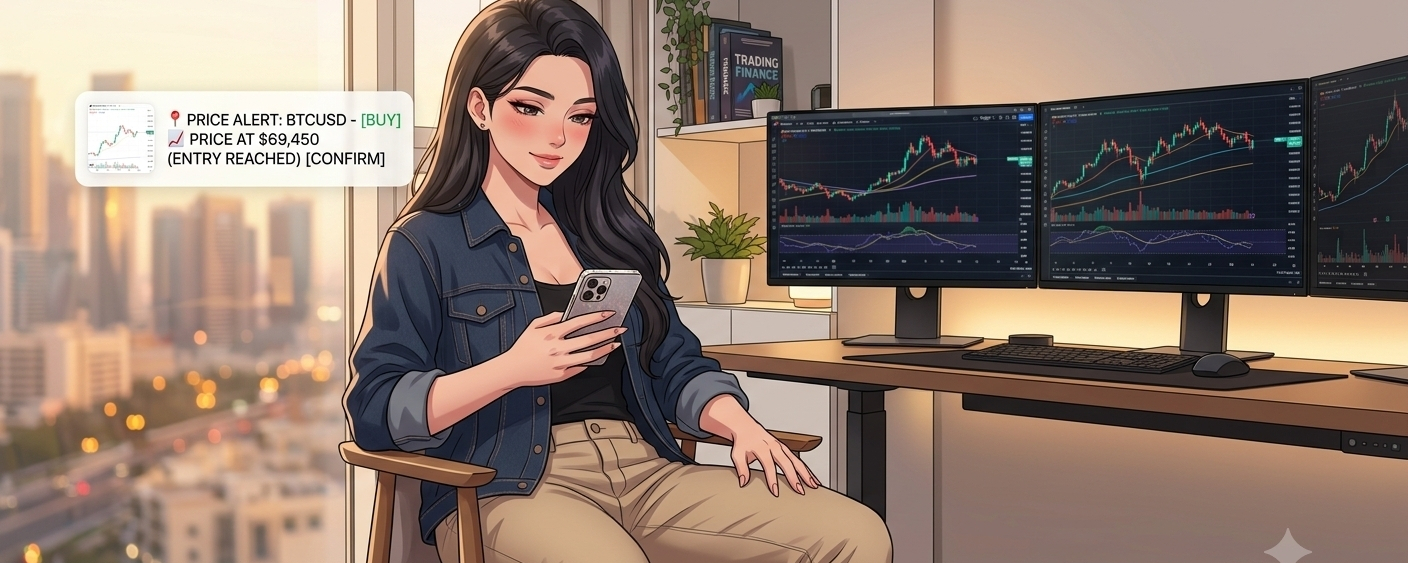

Many traders think that monitoring the chart every minute gives them more control, but what often happens is exactly the opposite. Every small movement starts to affect the psyche: fear, impatience, late entry, or an ill-considered exit. Over time, the decision is no longer based on a clear plan, but on an instant reaction. This is where the value of a price alert becomes evident as a simple yet very smart tool.
The idea behind a price alert is based on an important principle: instead of chasing the market, make the market call you when it reaches the level that matters to you. If you’ve already defined a potential entry zone, a resistance level, or a price where you want to re-evaluate the trade, there’s no need to stay glued to the screen. Just set the alert, and when the price reaches that area, you’ll get an immediate notification so you can return and review your decision calmly. This way, you reduce psychological chaos, and your decisions become closer to discipline than impulse.
The real value here isn’t just convenience—it’s reducing emotional decisions. Instead of entering the trade because you’re afraid you’ll miss the move, or selling because the last candle scared you, you trade the market based on predetermined levels. This improves execution quality, saves your time, and makes you more committed to your plan. So, despite how simple this feature is, it’s one of the tools that’s hard to do without for anyone who wants to trade more calmly and professionally.
Steps to enable the Price Alert feature in general:
Open the Binance app and log into your account.
Search for the coin you want to monitor, such as $BTC or ETH, or any other trading pair.
Go to the Markets page or the pair page.
Find the Price Alert option inside the coin page or from the market tools.
Choose the alert type:
When the price rises above a certain level
Or when the price falls below a certain level
Enter the price you want the alert to notify you at.
Decide whether you want the alert once or according to the available settings.
Confirm the creation, then make sure your phone’s app notifications are enabled so you get the alert immediately.
How do you benefit from it in practice?
If you have a planned entry price, set the alert at it.
If you’re waiting for a resistance breakout or a support break, set an alert close to that area.
If you don’t want to sit in front of the screen all day, make the alert the guard that follows the market for you.
Important futures note: For $ACE , some traders monitor 0.08 as a potential re-evaluation area according to the plan and risk management.
