A Buy Crypto Fee Voucher is offered to Binance users to help offset the fees incurred when purchasing cryptocurrency on the Buy Crypto Page. This discount can be applied to any Buy Crypto channel fees within the voucher's valid time period, except for P2P and third party payments such as Paymonade.
Note if you’re using the voucher via the Binance App, it is only usable in app versions above 2.96.0.

There are two ways to check if you have received a Buy Crypto Fee Voucher: by checking the Pop-up Notification on your Buy Crypto Page, or checking your Rewards Hub.

Click the [i] icon on the voucher to see the applicable terms and conditions.
Please note that Buy Crypto Fee Vouchers are issued for a limited period of time, therefore you need to use them before they expire (you will see the expiration date in the right box starting with “Expiry in xxxx-xx-xx”). If a Buy Crypto Fee Voucher expires, it will no longer be valid and you will not be able to extend the expiry date or exchange the Buy Crypto Fee Voucher for any other rewards. It is your responsibility to use any Buy Crypto Fee Voucher allocated to you before the applicable expiration date. Binance does not have any obligation to remind you of the expiration date of any Buy Crypto Fee Voucher.
1. Log in to your Binance account and go to [Profile] - [Rewards Hub].
2. Click on [My Vouchers] to view all available rewards.

3. Under the [Ongoing] tab, scroll down to find the Buy Crypto Fee Voucher you want to use.

Click the [i] button on the voucher to see the applicable terms and conditions.
Note: You need to use Buy Crypto Fee Vouchers before they expire. If a Buy Crypto Fee Voucher expires, it will no longer be valid and you will not be able to extend the expiry date or exchange the Buy Crypto Fee Voucher for any other rewards. It is your responsibility to use any Buy Crypto Fee Voucher allocated to you before the applicable expiration date. Binance does not have any obligation to remind you of the expiration date of any Buy Crypto Fee Voucher.
4. Click [Use] to start using the voucher immediately.
In the following steps, we will use ‘Buy USDC with EUR’ as an example to illustrate how to use a Buy Crypto Fee Voucher.
1. Navigate to the Buy Crypto Page or click on the [Use] button on the Voucher, which will then direct you to the Buy Crypto Page.
2. Enter the amount you want to purchase, and select your preferred payment method. Here, we use EUR to USDC as an example.

3. For the most common payment methods, the most appropriate Buy Crypto Fee Voucher will automatically be selected for your order. You may click on the voucher icon to de-select, or switch to another voucher. In special cases, such as offline channels, the ideal voucher will be automatically used in your order.

4. Confirm the order and complete the payment process. Please wait as your order is processed.

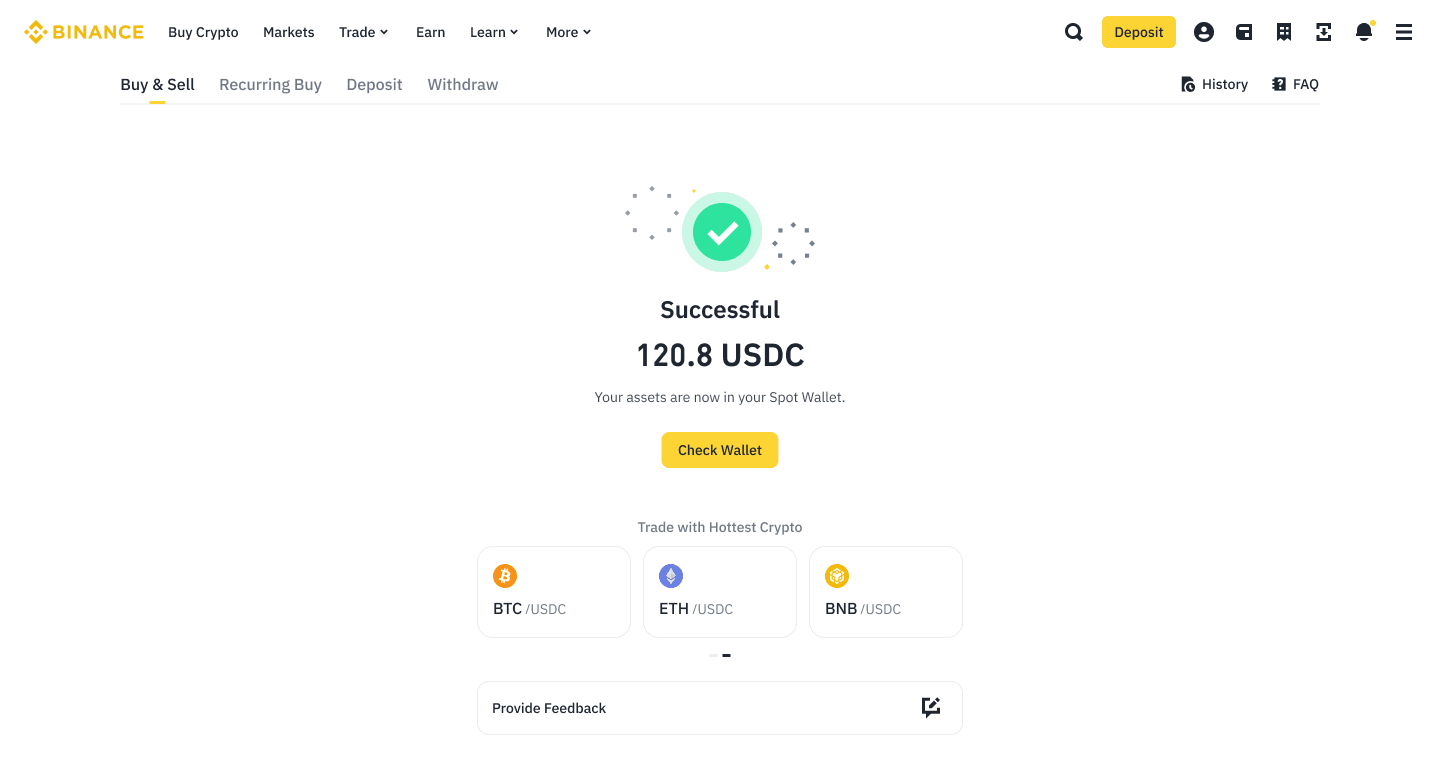
5. You have successfully used the Buy Crypto Fee Voucher.
1. The voucher is available for a limited period of time.
2. There are two types of Fee Discount Vouchers: single-use and multiple-use. Single-use vouchers can be utilized only once, with the fee discount limited to the voucher's face value. Multiple-use vouchers can be used multiple times until the total face value is exhausted or the voucher expires, whichever occurs first.
3. This voucher is applicable for providing a discount on all Buy Crypto transactions on Binance, except for those conducted via P2P and third-party channels such as Paymonade.
4. Please note that if you place an order using a Buy Crypto fee voucher but do not complete the payment, the voucher (for single-use vouchers) and the associated voucher amount (for multiple-use vouchers) will remain unusable until the unpaid order expires.
5. For offline bank transfers that do not require placing an order on Binance in advance, the system will automatically apply the most optimal available fee voucher based on the time and amount of the funds' arrival. As a result, the applicable voucher will be automatically activated. You can view the record in the Rewards Hub under Vouchers for more details.
6. Binance reserves the right to cancel or amend the voucher rules at its sole discretion.
