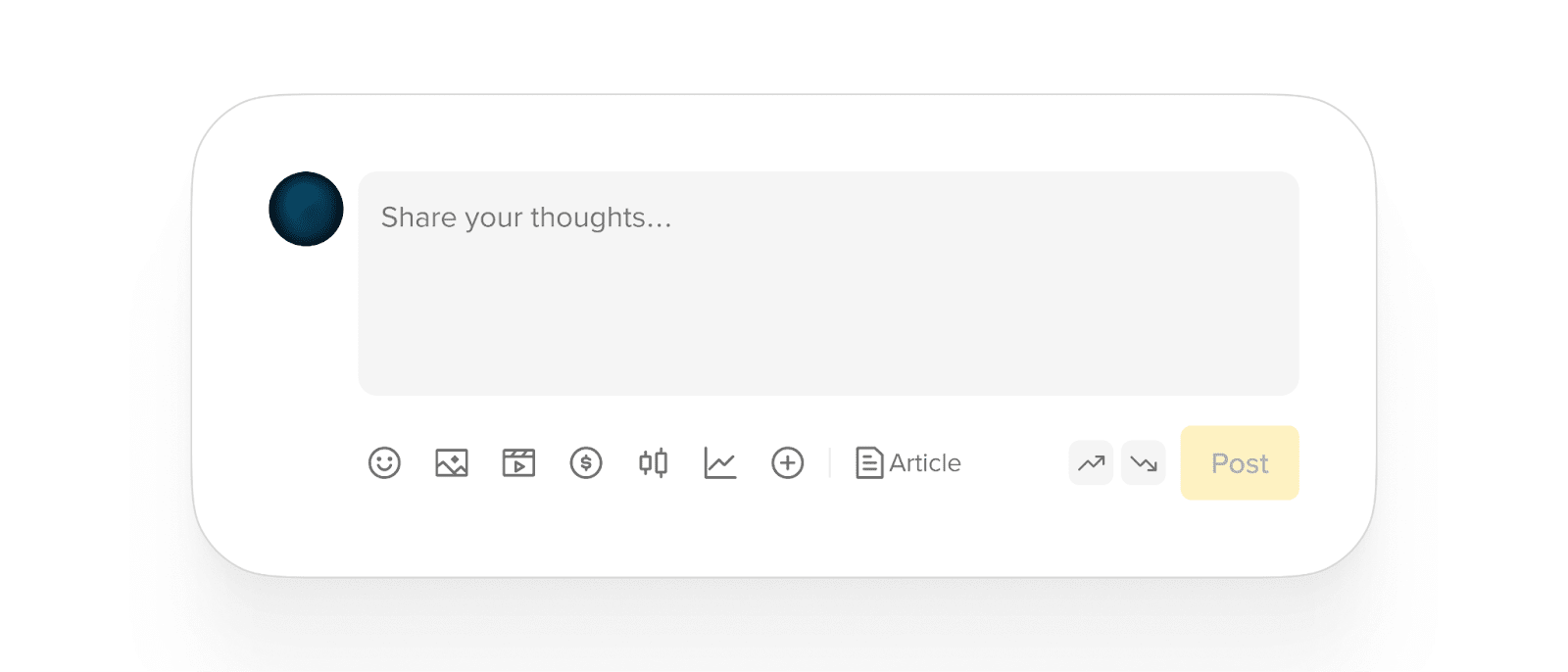
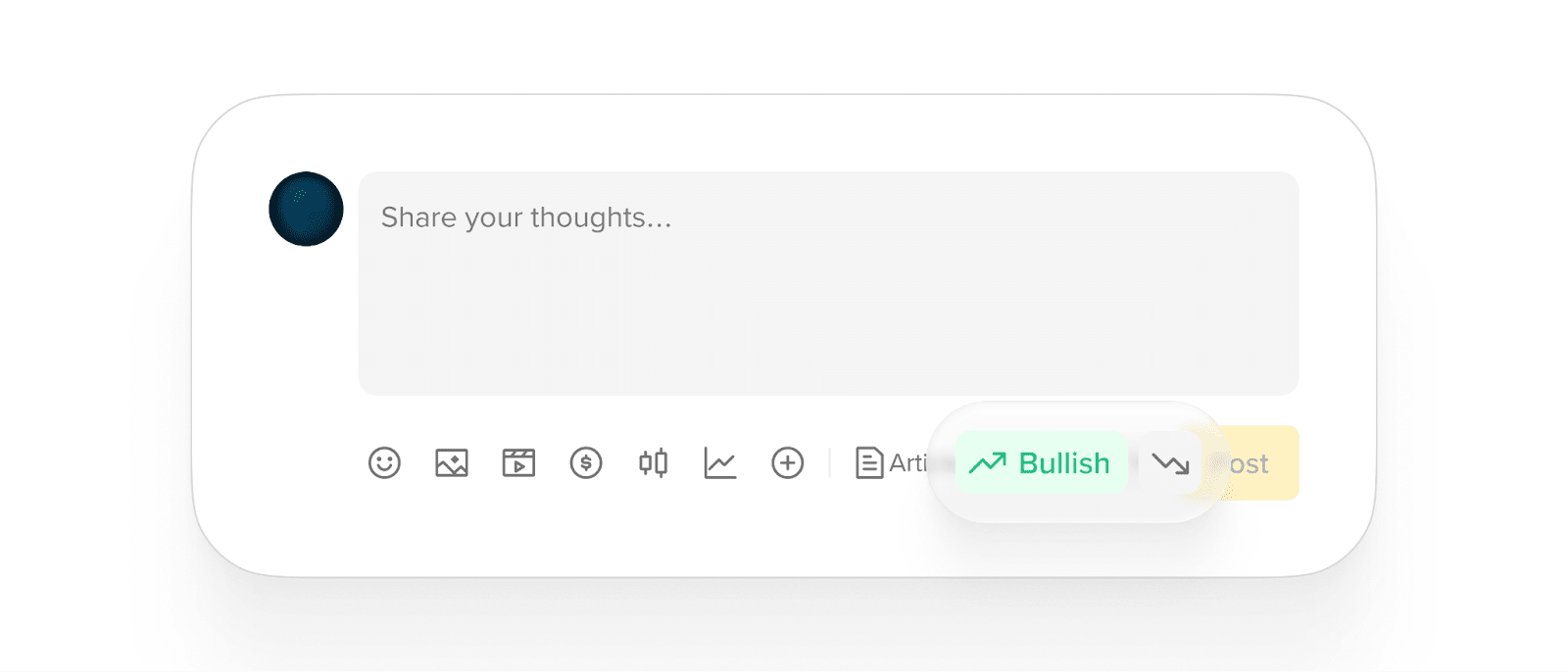
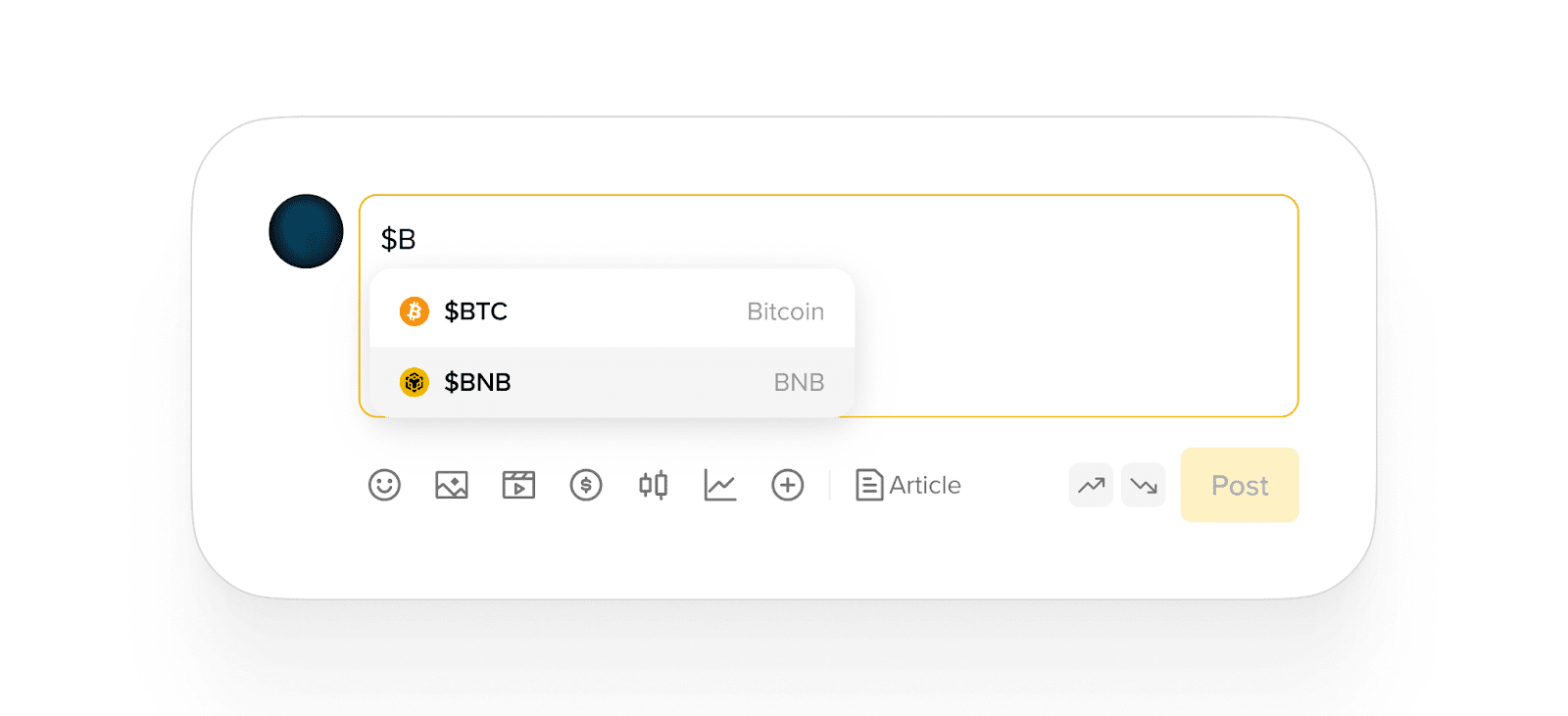
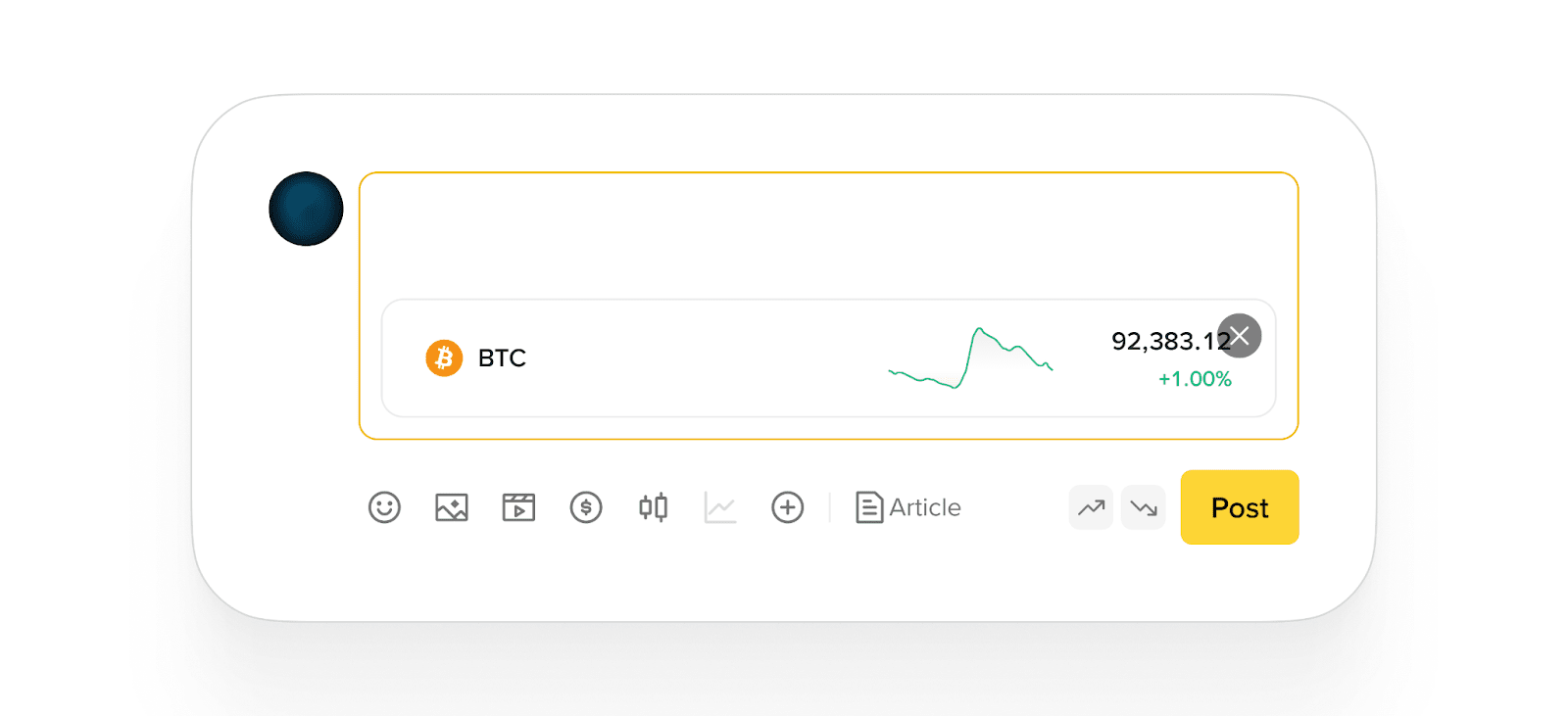
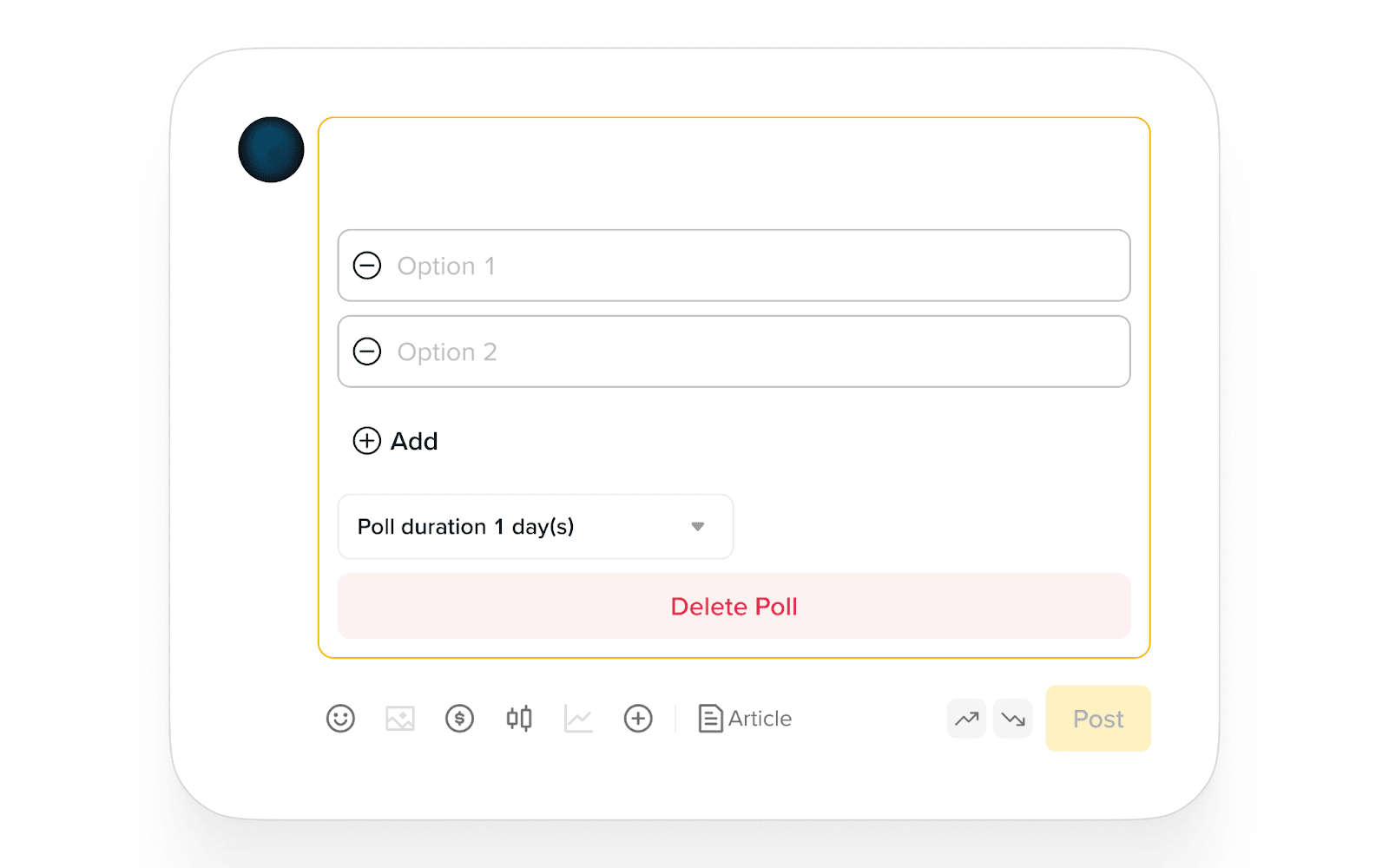
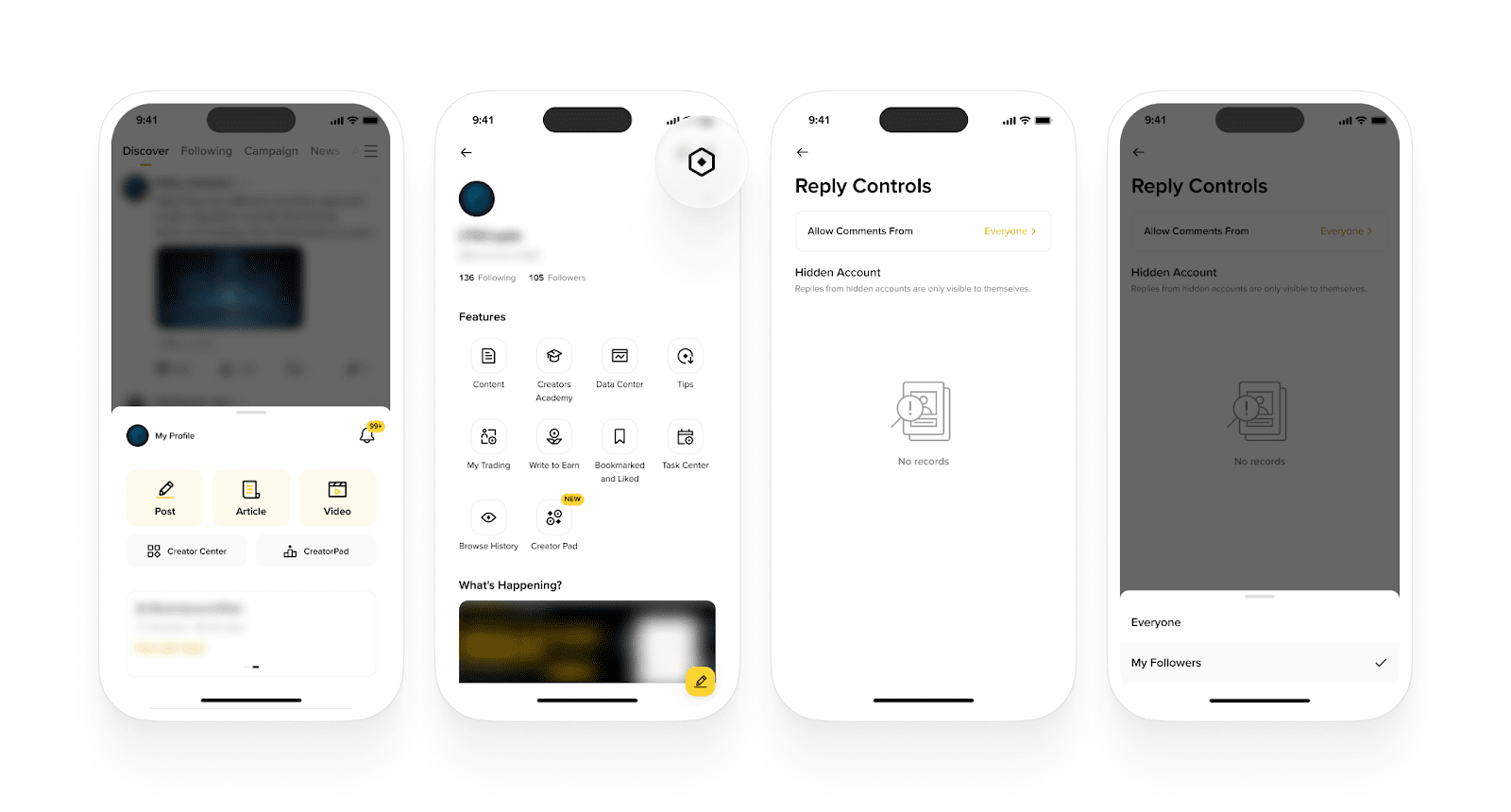
Binance Square is a social networking content platform, where every user can share their thoughts, discover the latest news and trends, and participate in community discussions about anything and everything related to crypto and Web3.
Binance Square is available to Binance users through the Binance App and website.
Simply tap any post to view the complete content.
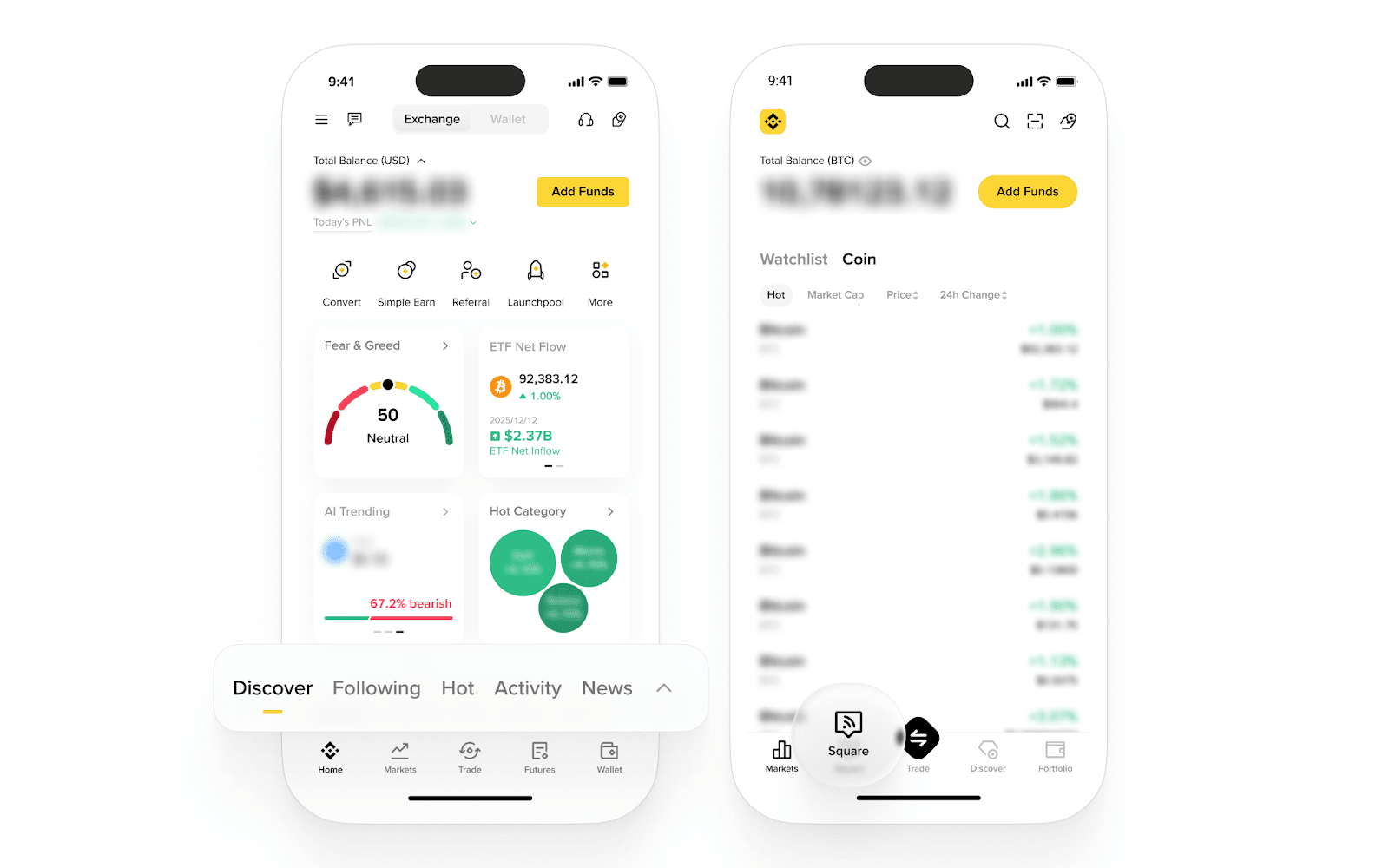
Please note: Binance Square may not be available in your region.
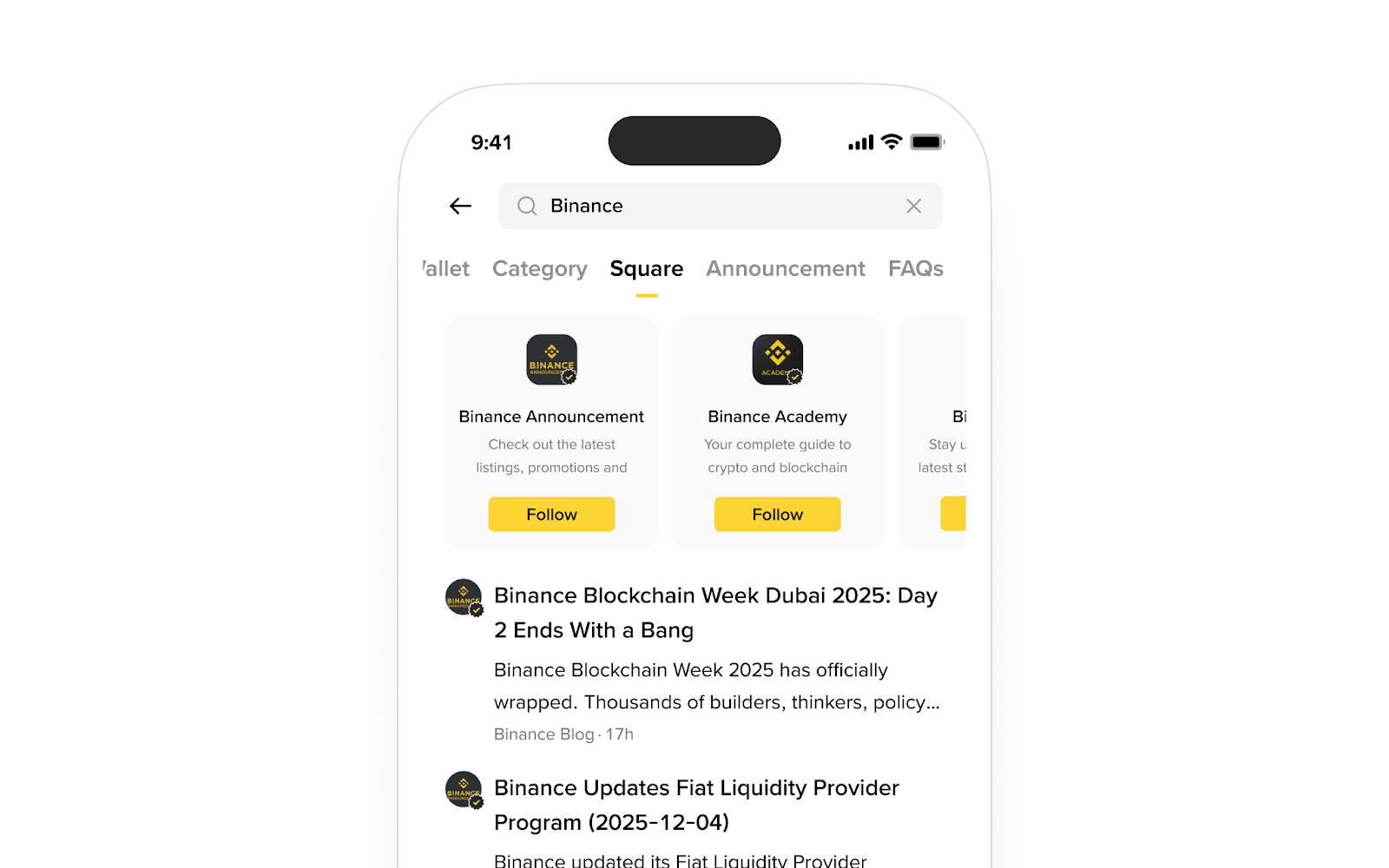
To find specific content or creators, enter keywords or the creator's nickname in the search bar at the top.
Binance Square features the [Discover], [Following], [Announcement], [News], [Academy], and [Live] sections in the app, and the [Discover], [Trending Articles] and [News] sections on the website.
The [Discover] tab recommends content for you to explore and engage with based on your interests, preferences, and engagement history. You can discover popular and trending posts from the Binance Square community, as well as curated content from verified and influential users.
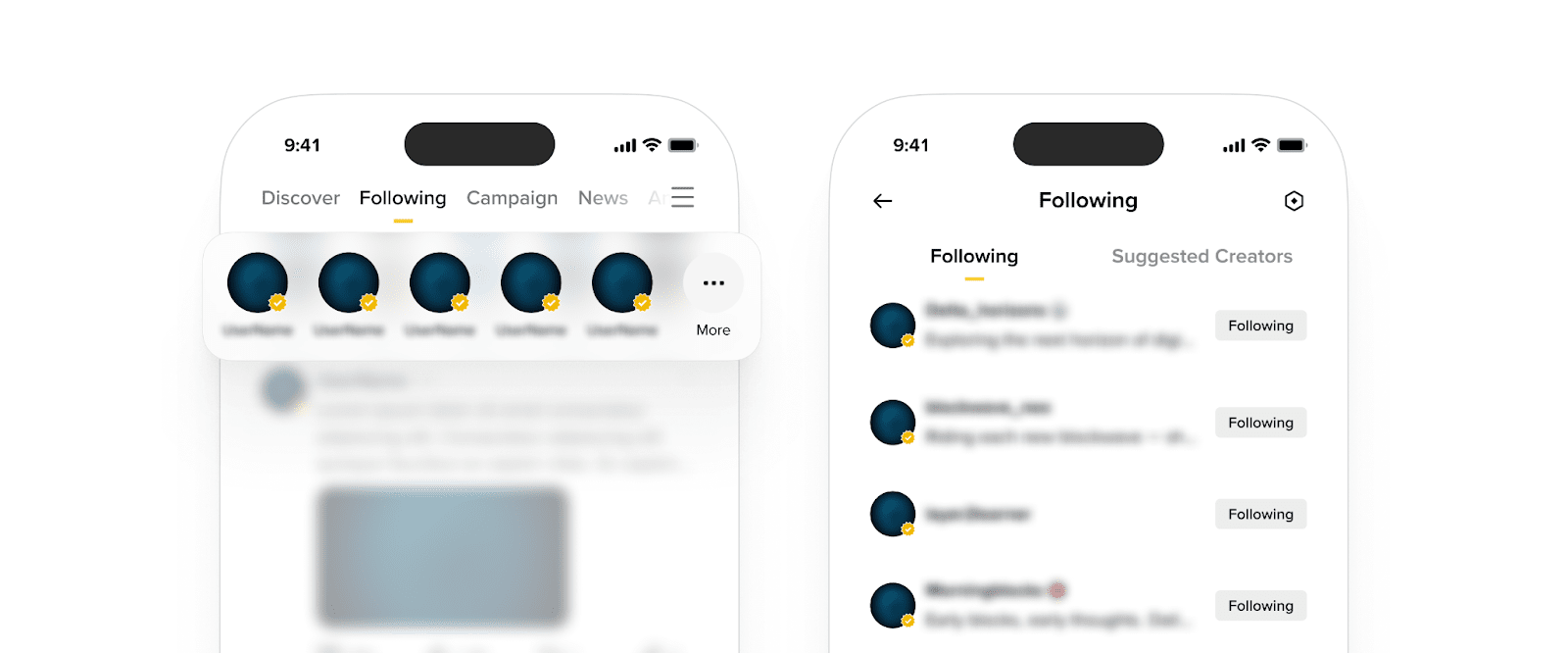
The [Following] tab displays content exclusively from creators you follow. You can stay connected with your favorite creators without missing any of their latest content.
The [Announcement], [News], [Academy], and [Live] tabs on Binance Square provide users with a centralized location to access and explore various types of content.
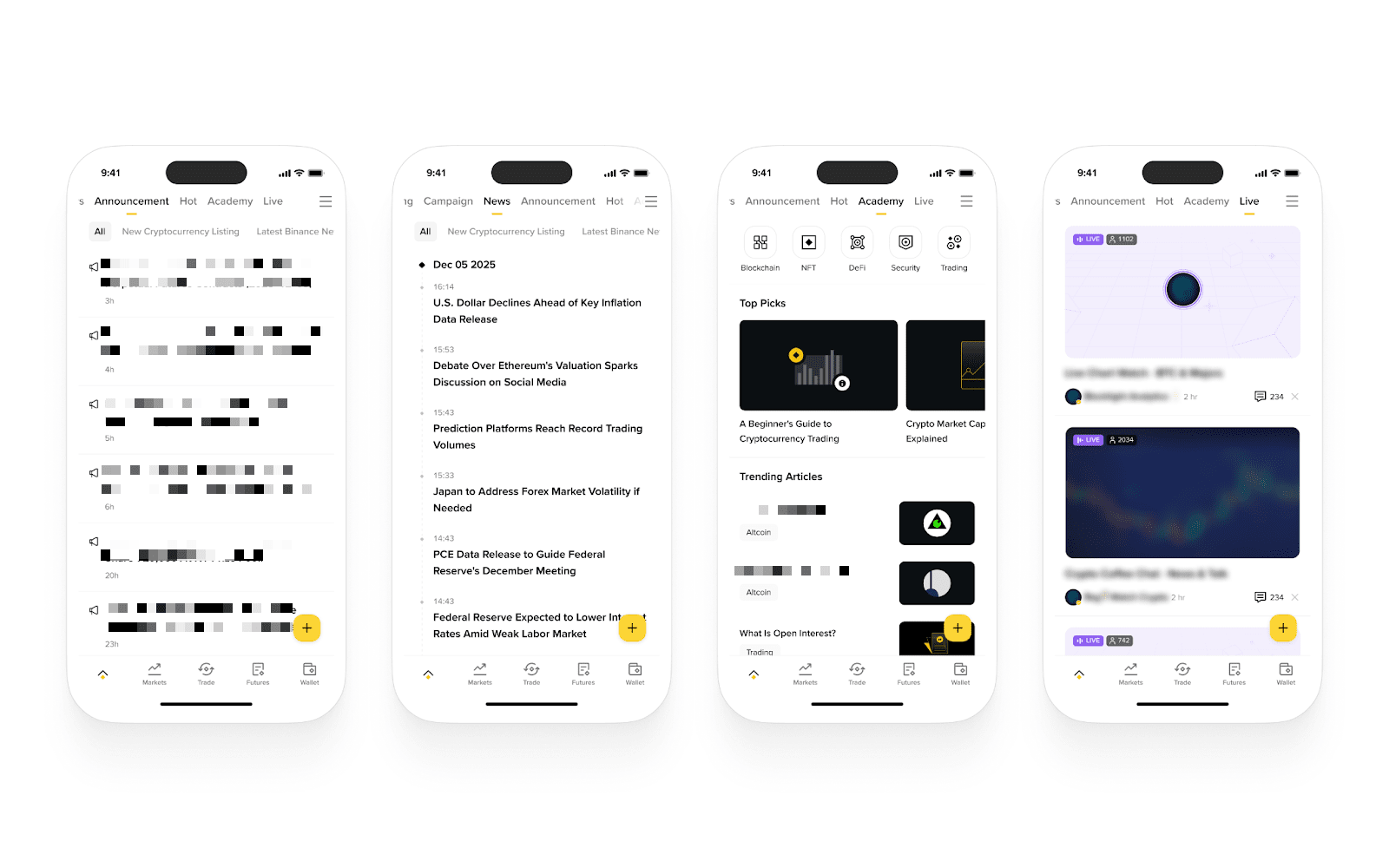
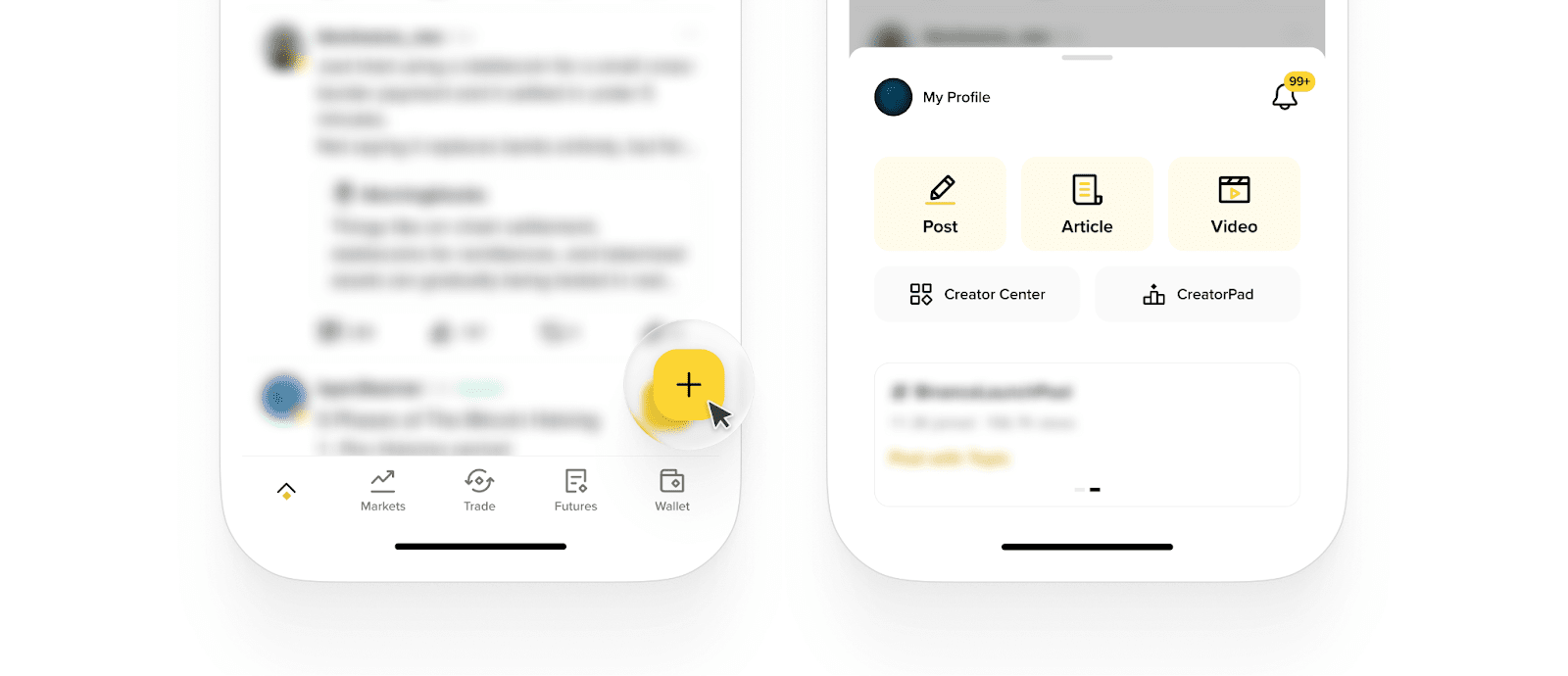
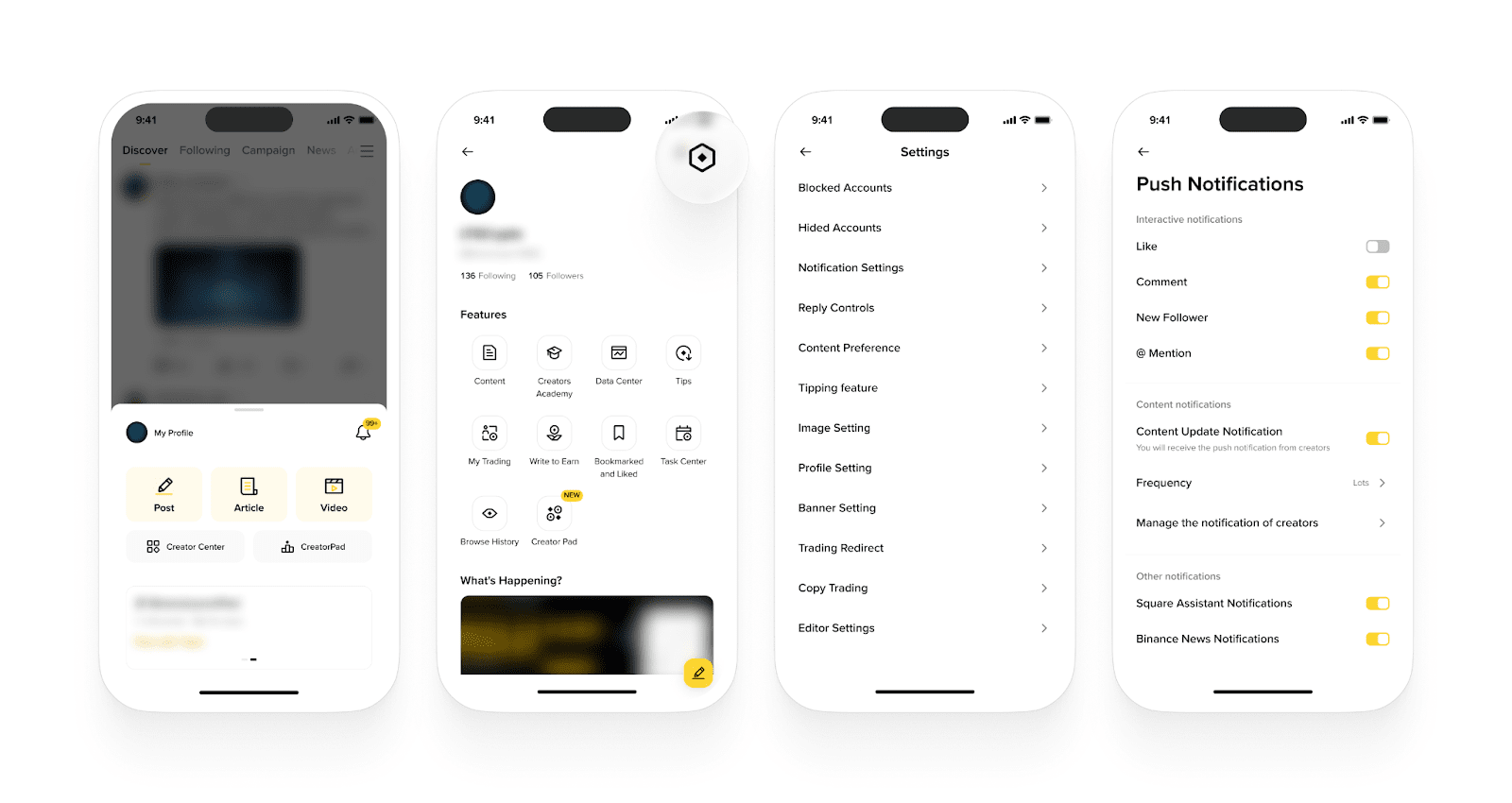
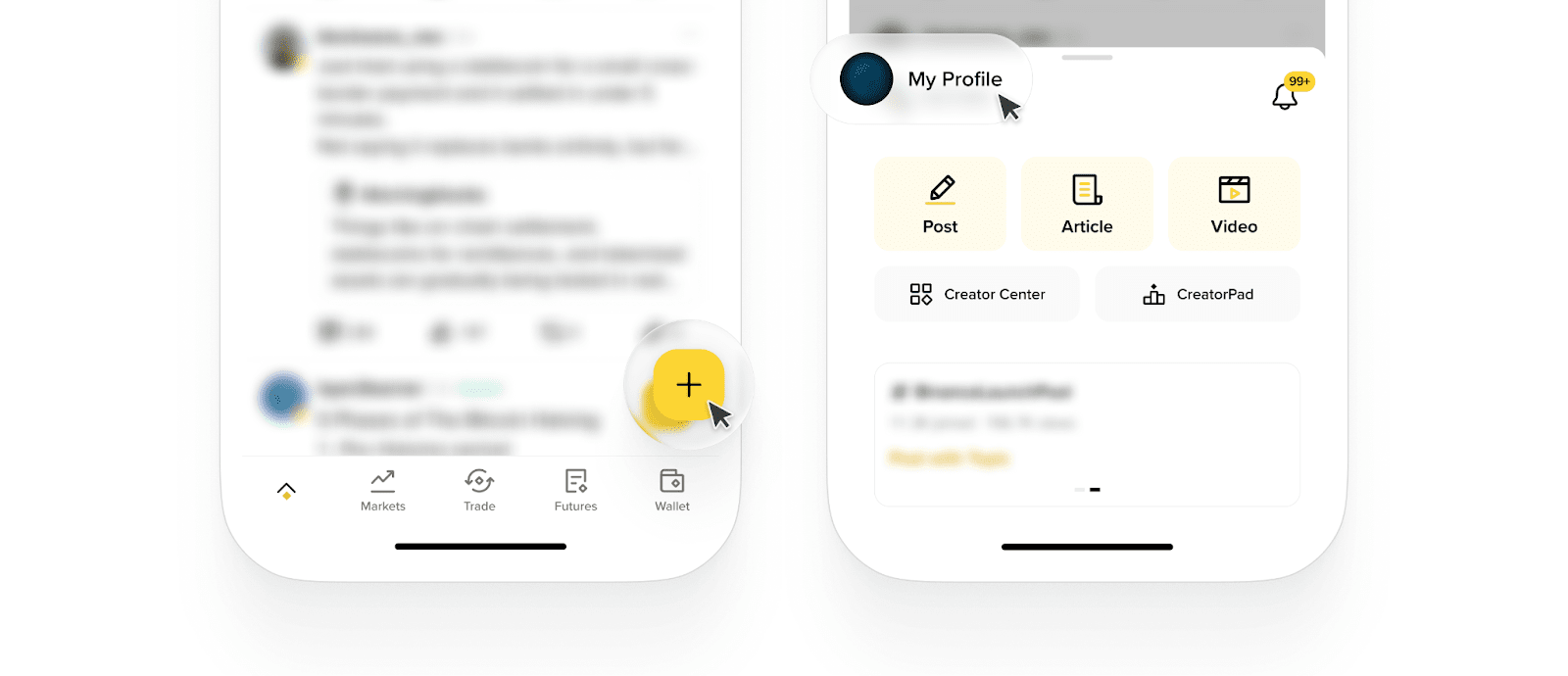
1. Log in to your Binance account and scroll down to the Binance Square section. Keep scrolling until a yellow [+] icon appears at the bottom right of your screen. Tap [+].
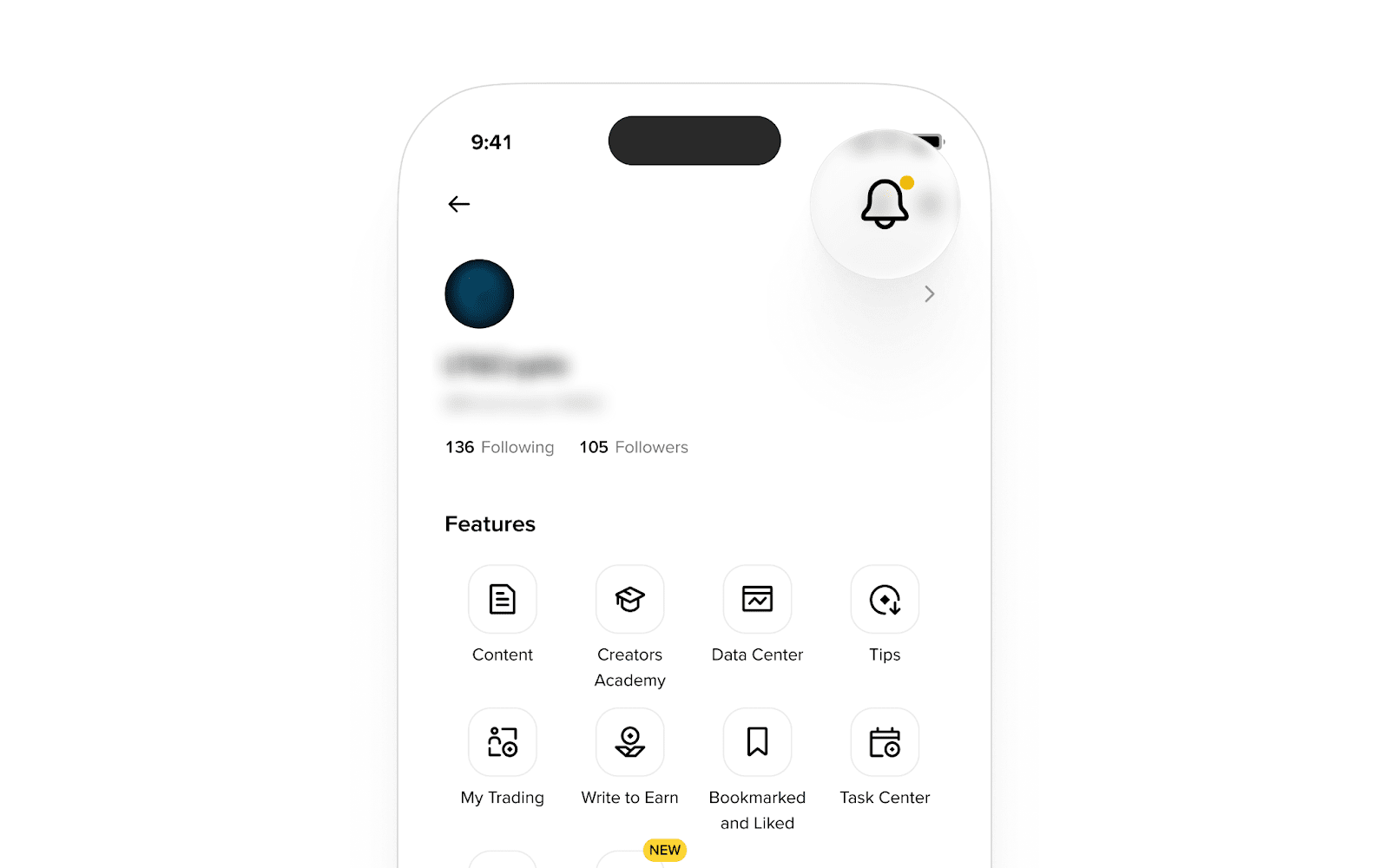
2. Go to [My Profile].
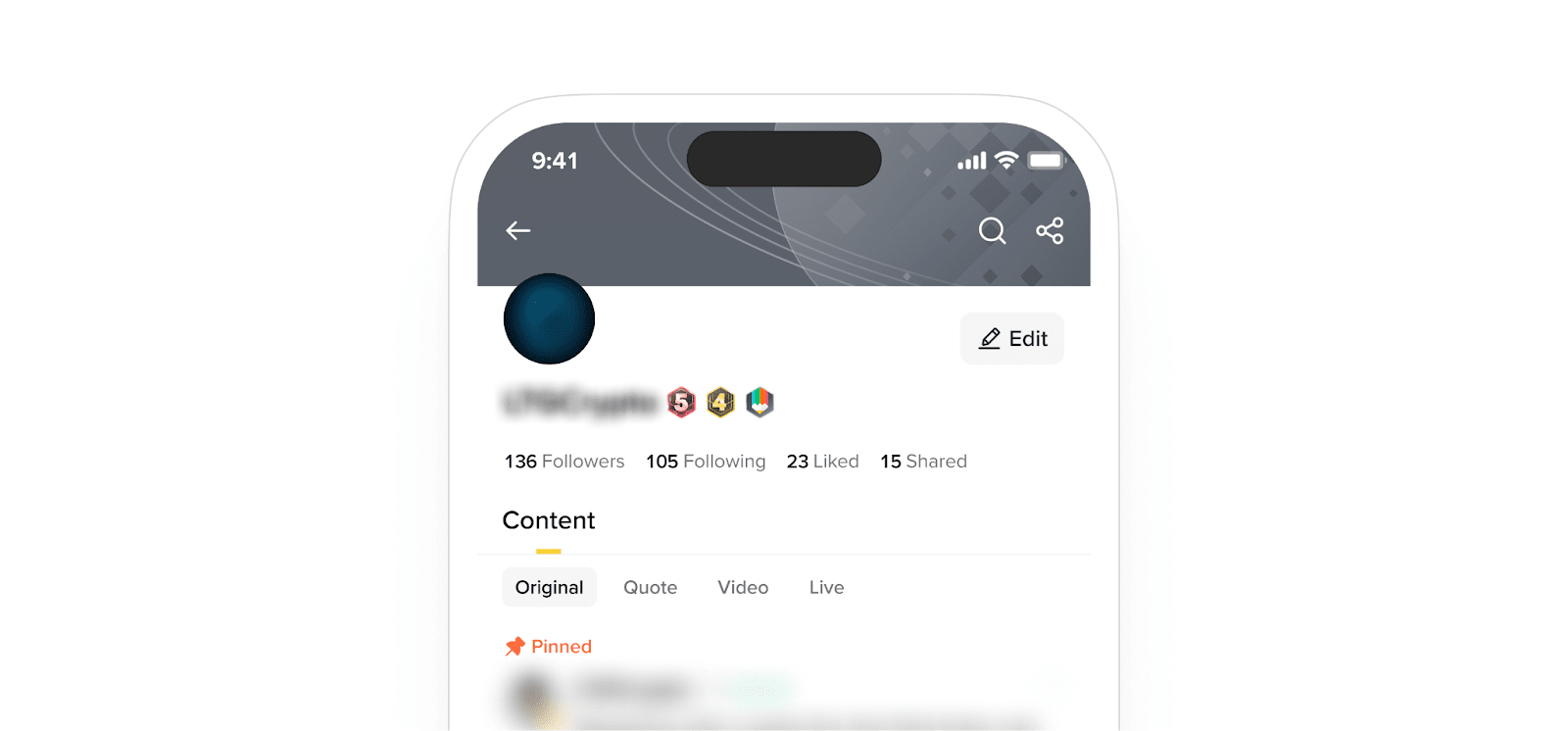
3. Tap [Edit] next to your nickname.
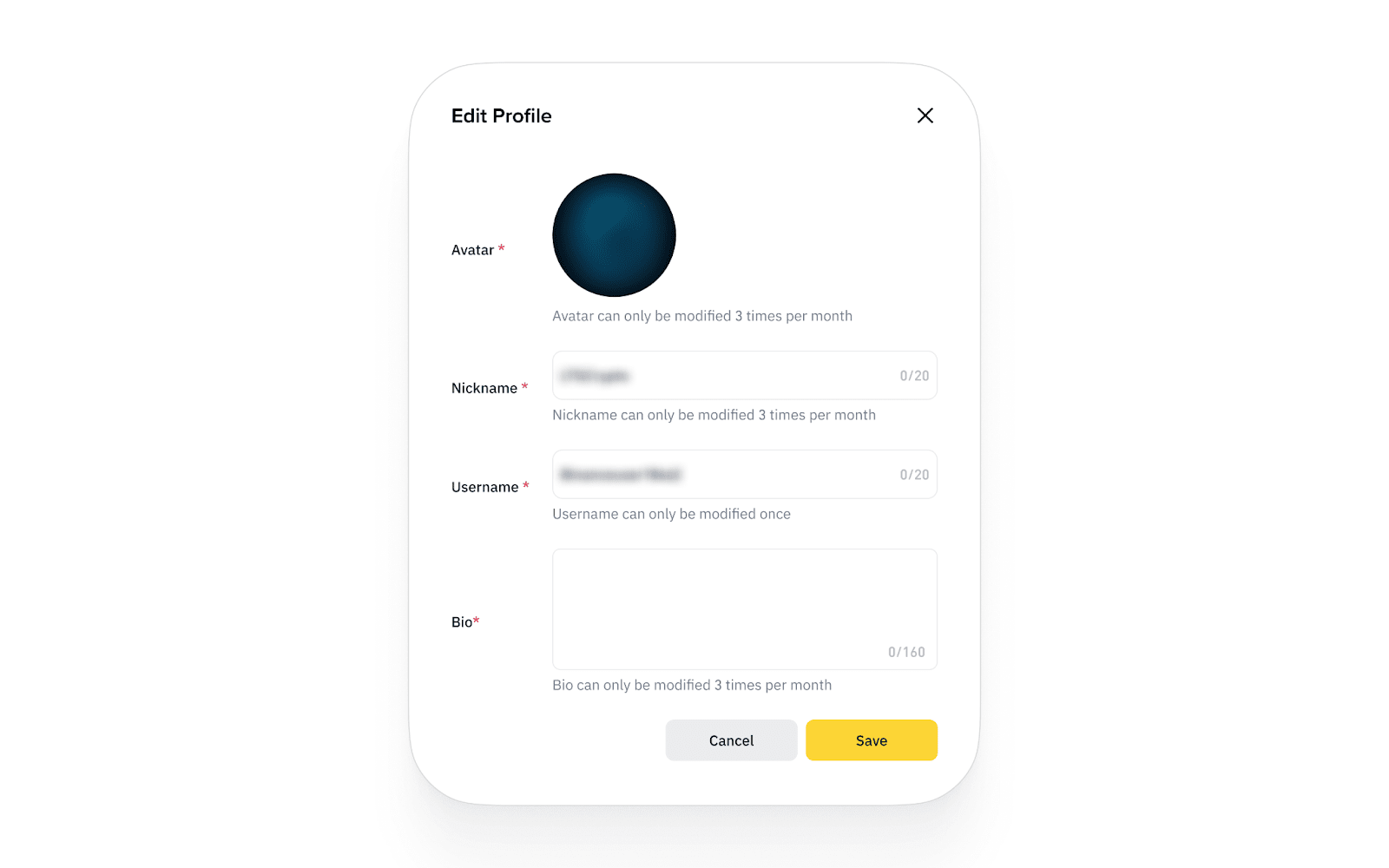
4. Here you can change your nickname, bio, username, and avatar.
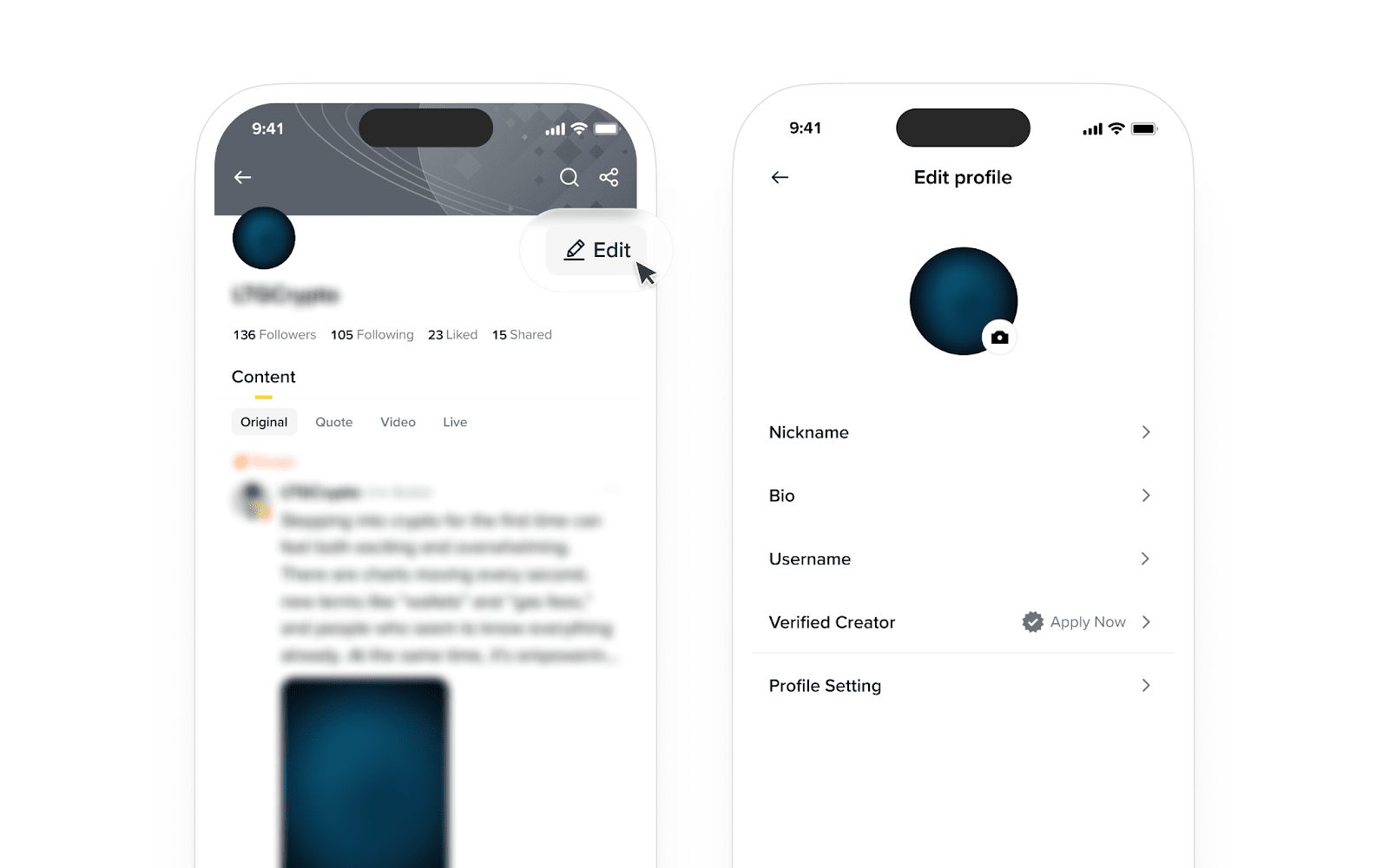
Please note: You are assigned a default username when you create your Square account. You can change it once. You won’t be able to change your username once you set it. You can modify your nickname, profile picture, and bio once every 7 days.
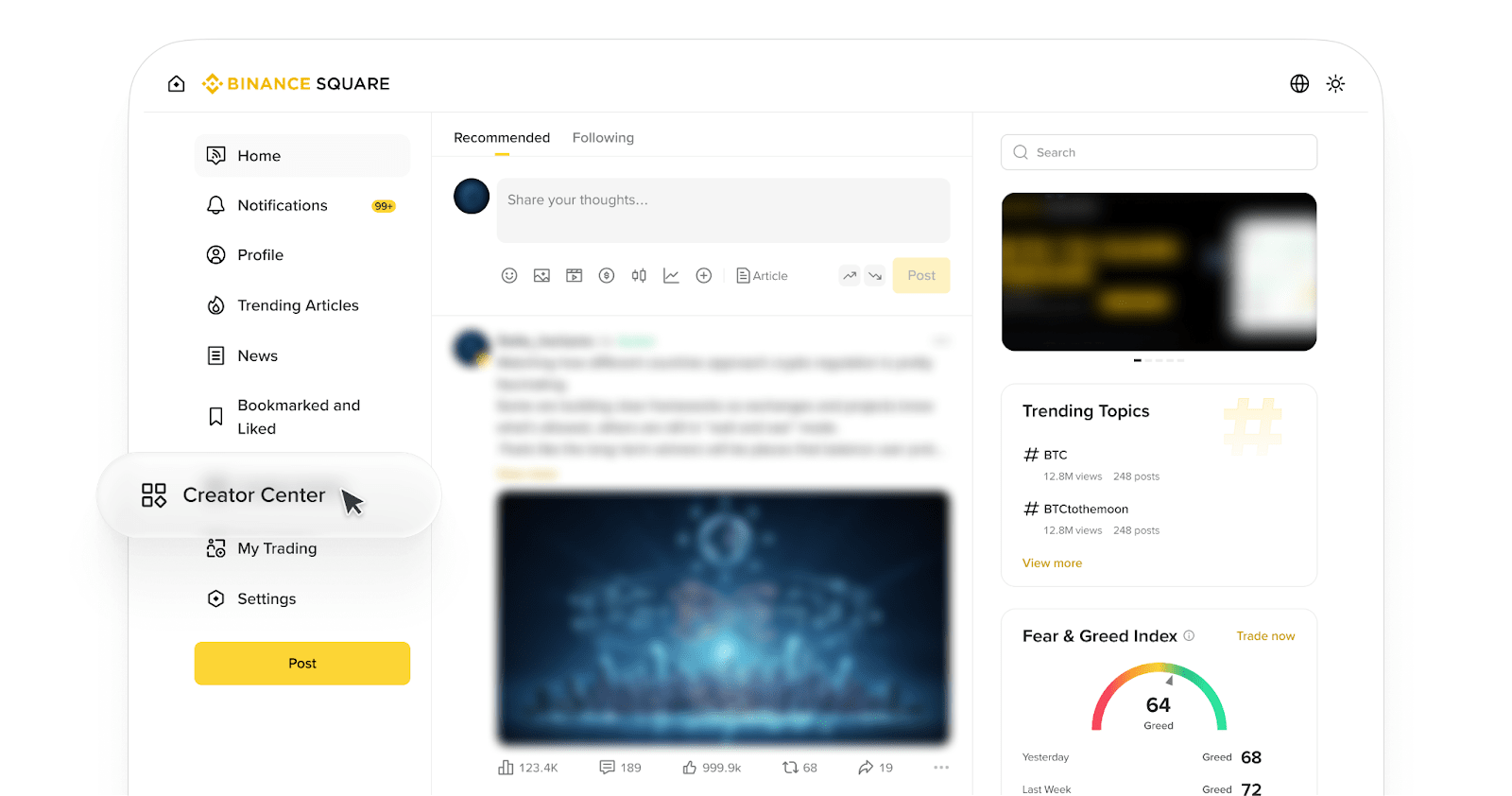
1. Click [Profile].
2. Click [Edit].
3.Click on [Edit Profile] on the popup window.
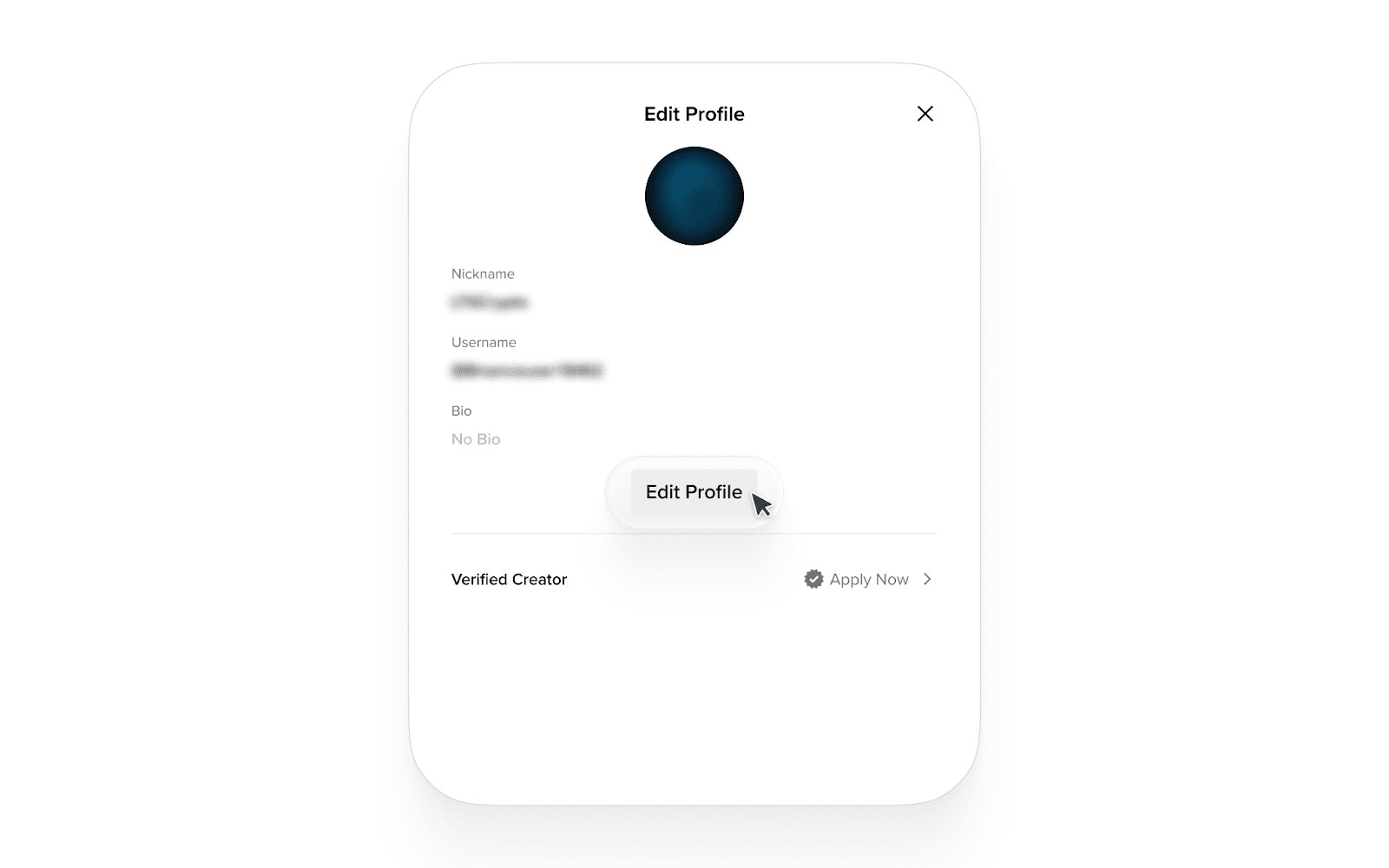
4. Here you can change your nickname, bio, username, and avatar. Click [Save] to apply.