









Binance P2P Merchant Toolkit
Binance P2P has introduced new toolkits in the Merchant Portal designed to help merchants grow their business.
Merchant-Exclusive Calendar
A new calendar feature is integrated into the Merchant Portal dashboard. It notifies merchants of major upcoming events so you can prepare for increased traffic and potential perks.
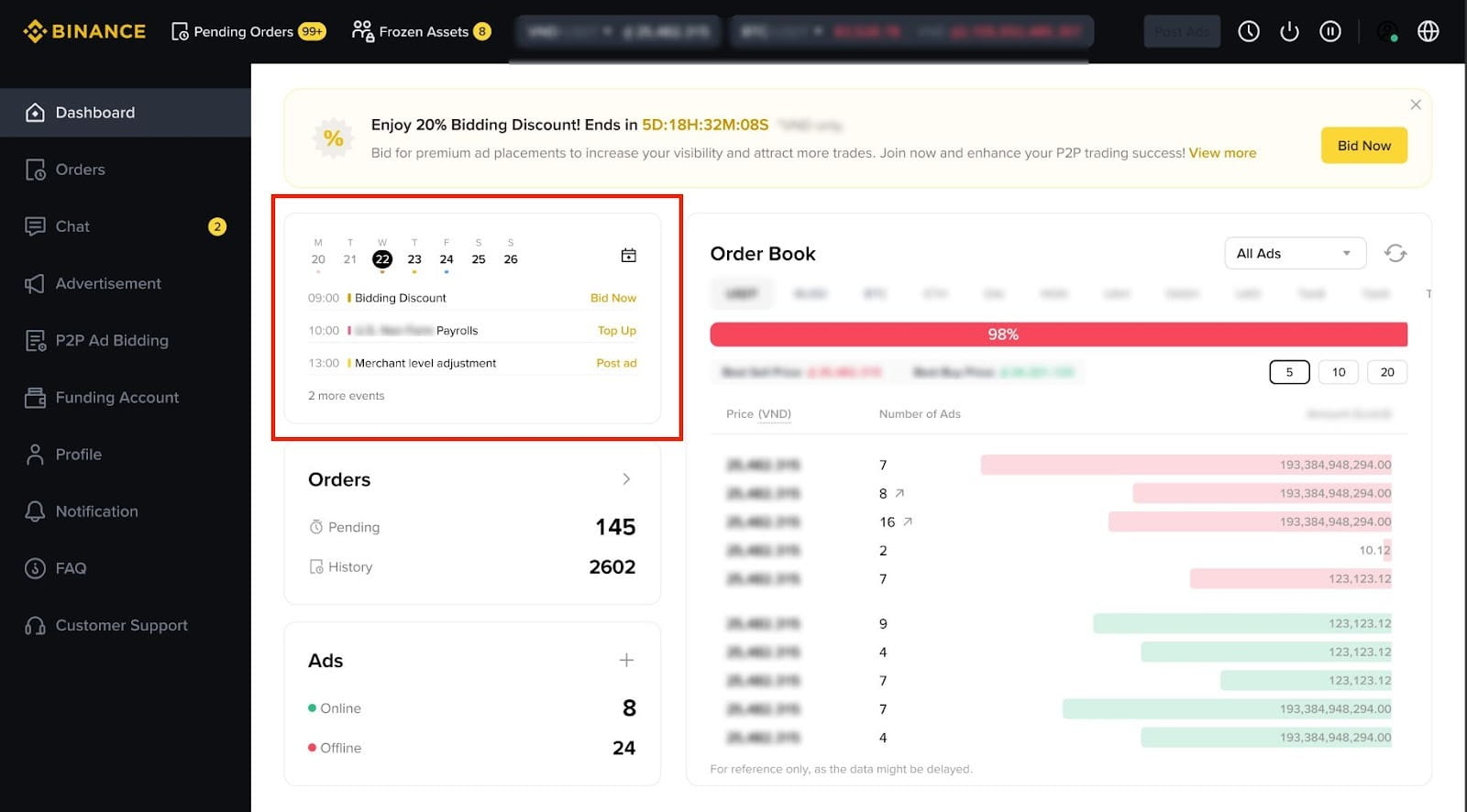
How to use the Merchant Calendar?
1. Access the Merchant Portal and go to the dashboard.
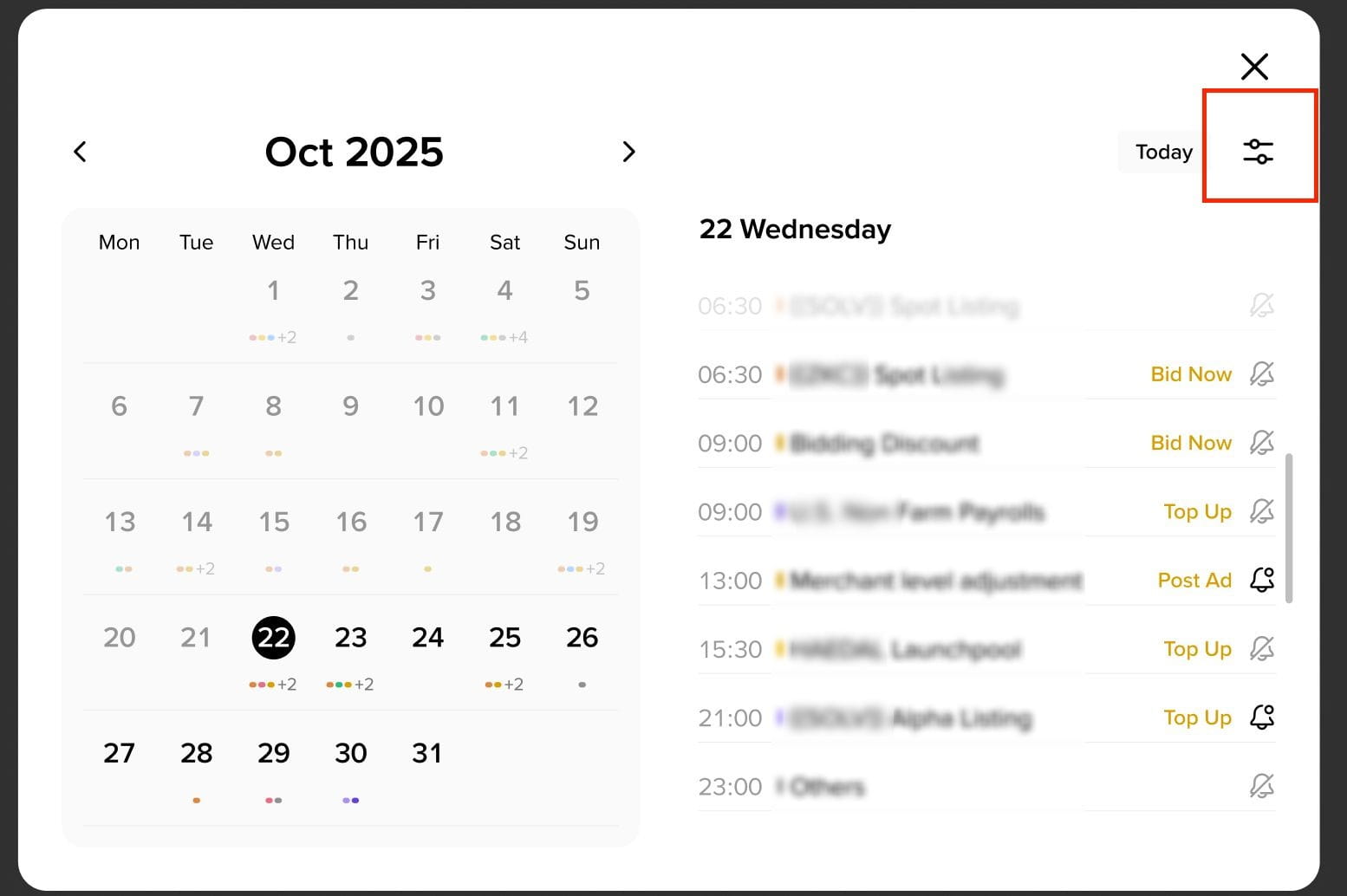
Click on any specific date to view existing or upcoming events scheduled for that day.
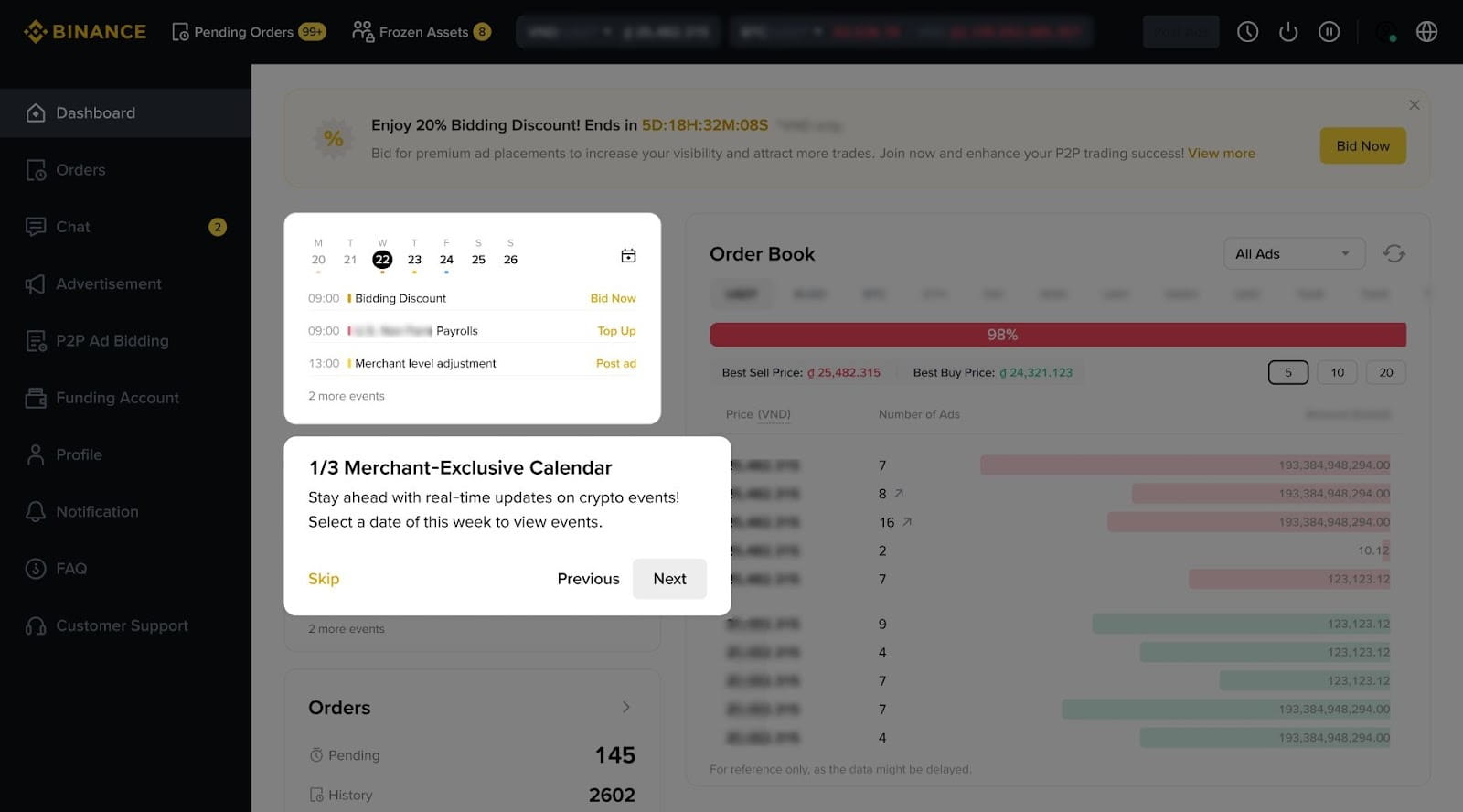
2. Follow the provided instructions to quickly carry out different actions.
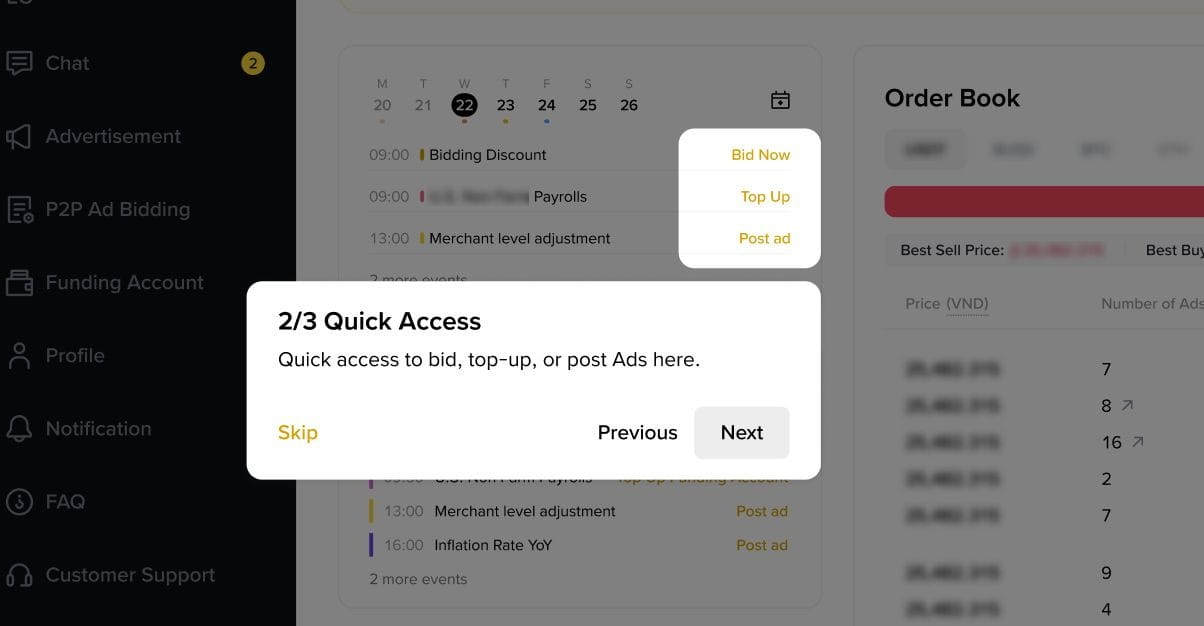
3. To see the full calendar view, click the icon located at the top right corner of the calendar.
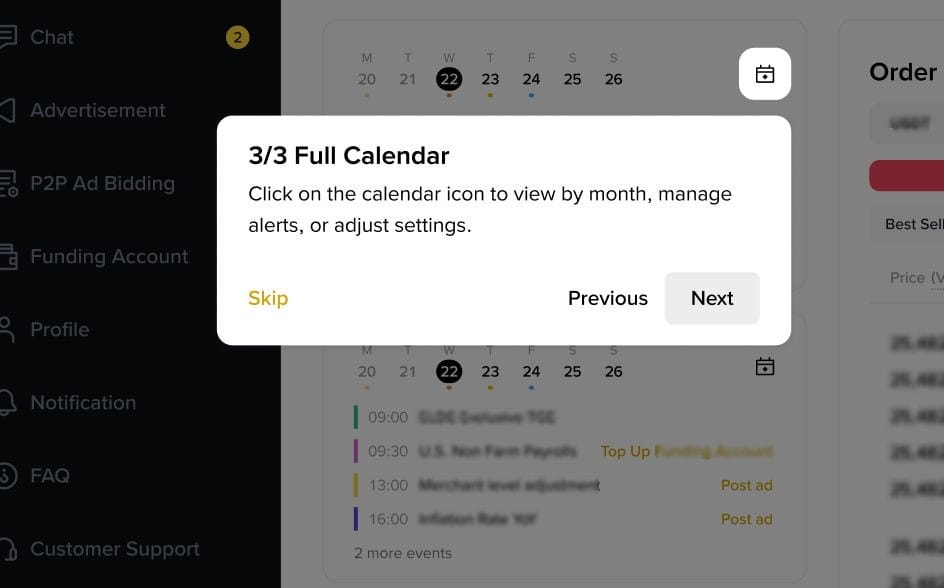
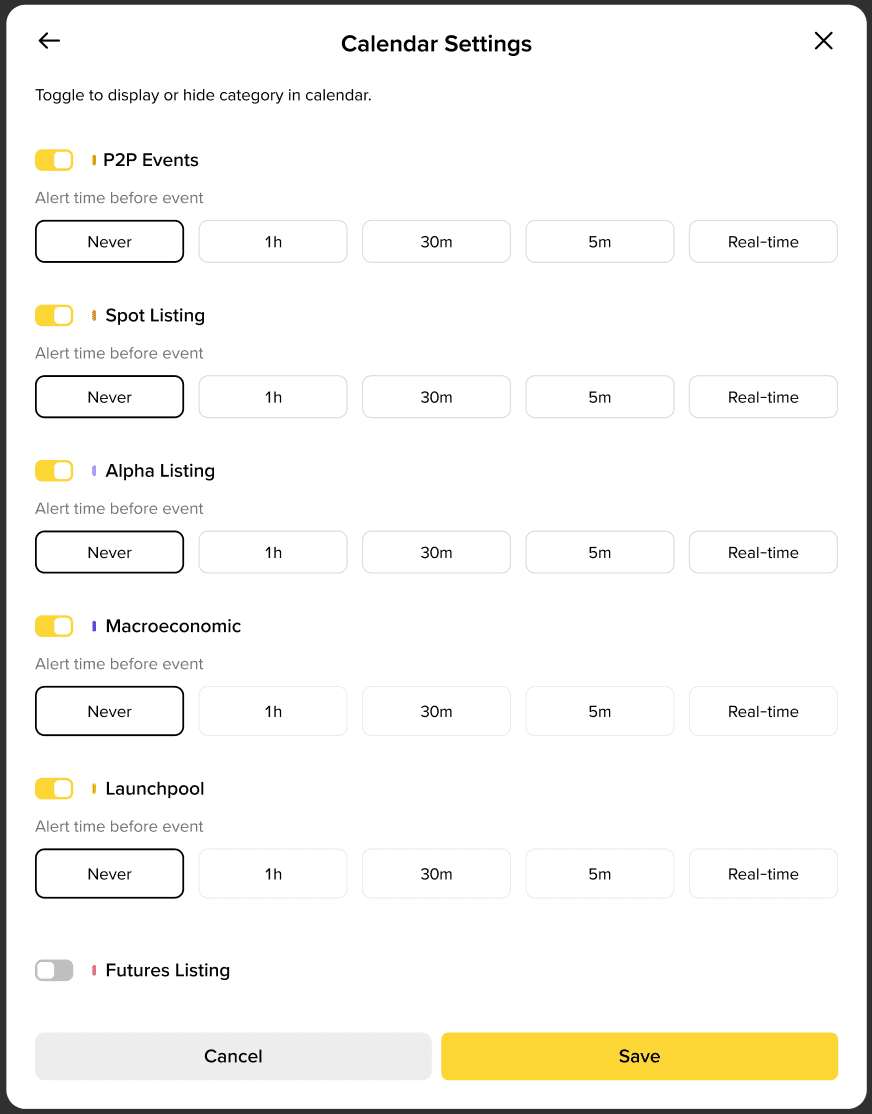
4. On the full calendar page, you can enable or disable reminders according to your preference.
Stay tuned for more merchant toolkit updates.
To learn more, visit our Binance P2P FAQs.