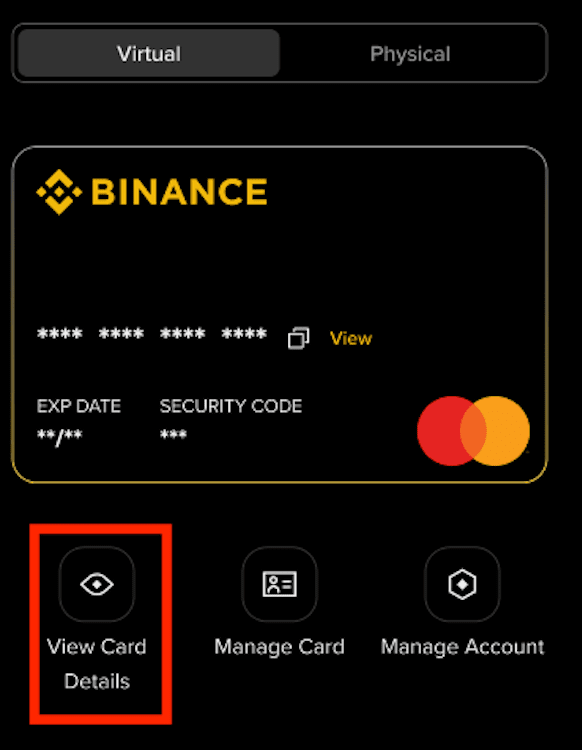







How to Check My Binance Brazil Card Details
You can check your Binance Brazil Card details from the Binance website or app easily.
Follow the steps below to go to the Card Dashboard:
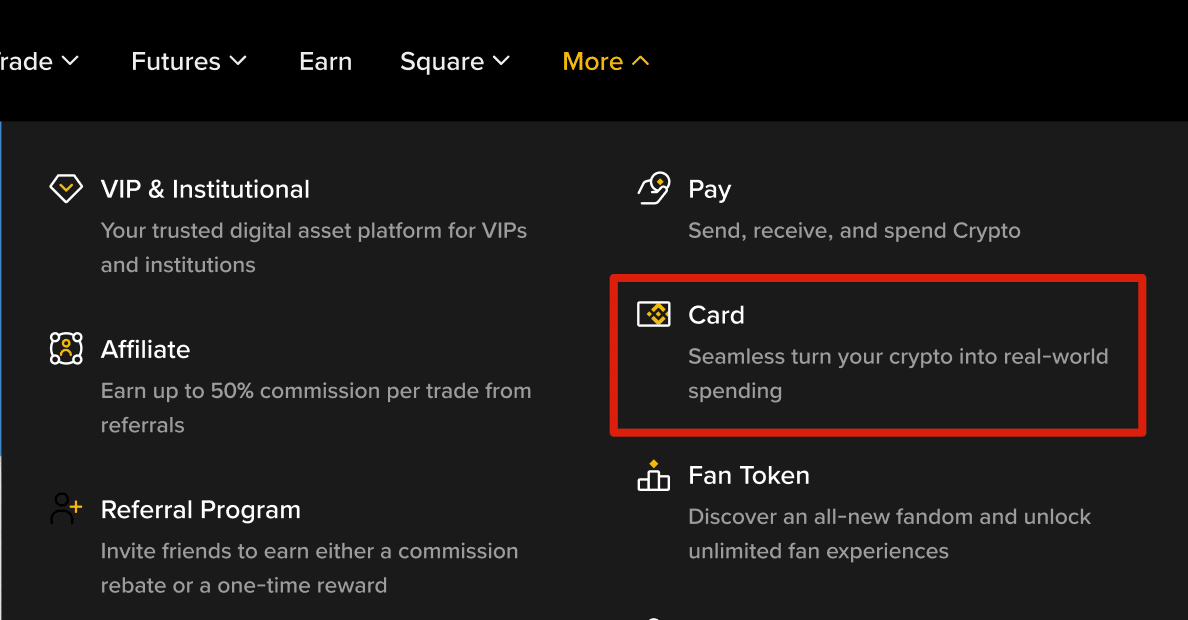
Log in to your Binance account and click [More] - [Card].
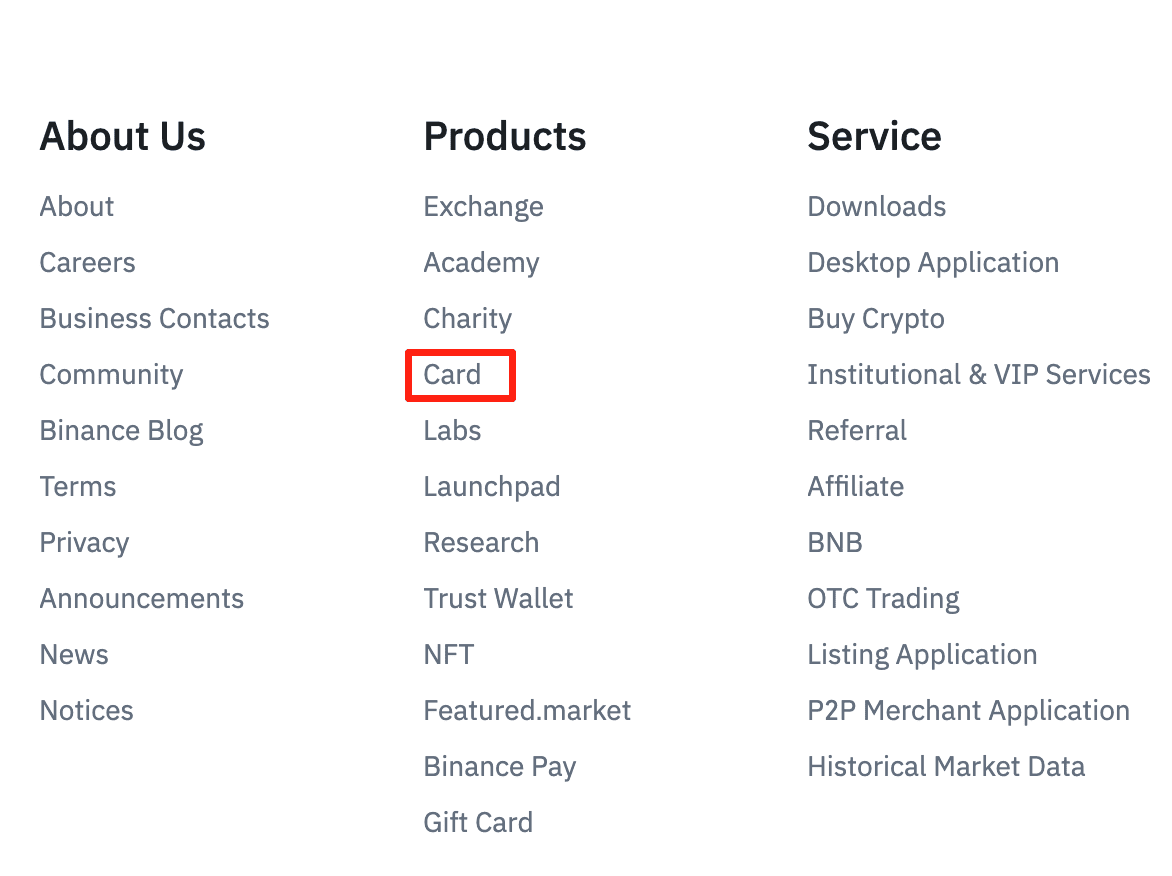
You may also go to [Products] - [Card] at the bottom of the screen.
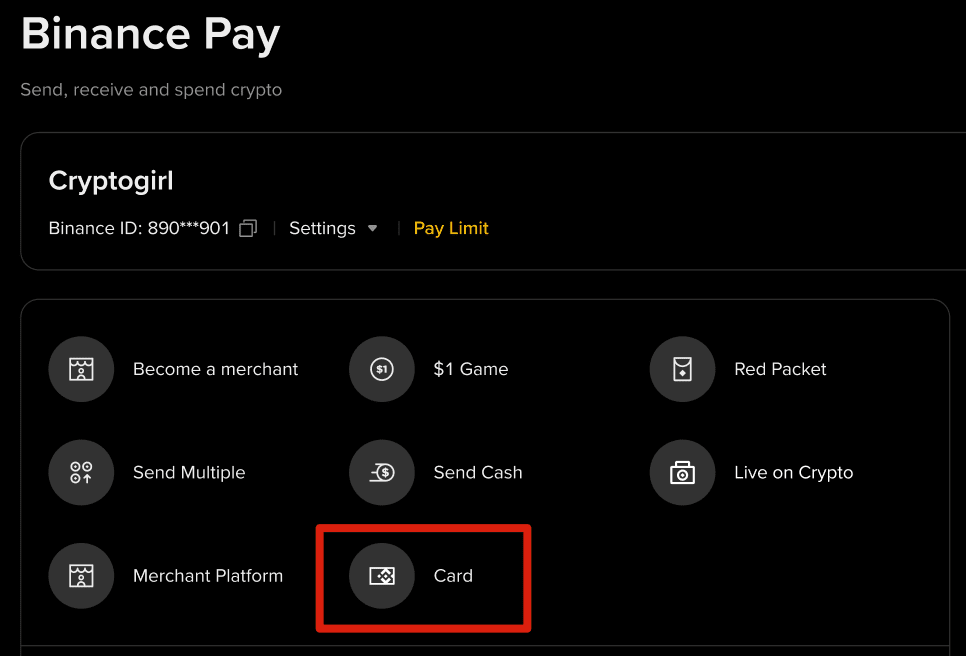
Alternatively, you can go to [Binance Pay] - [Card].
Log in to your Binance app and tap [More]. Scroll down to [Common Function] and select [Card].
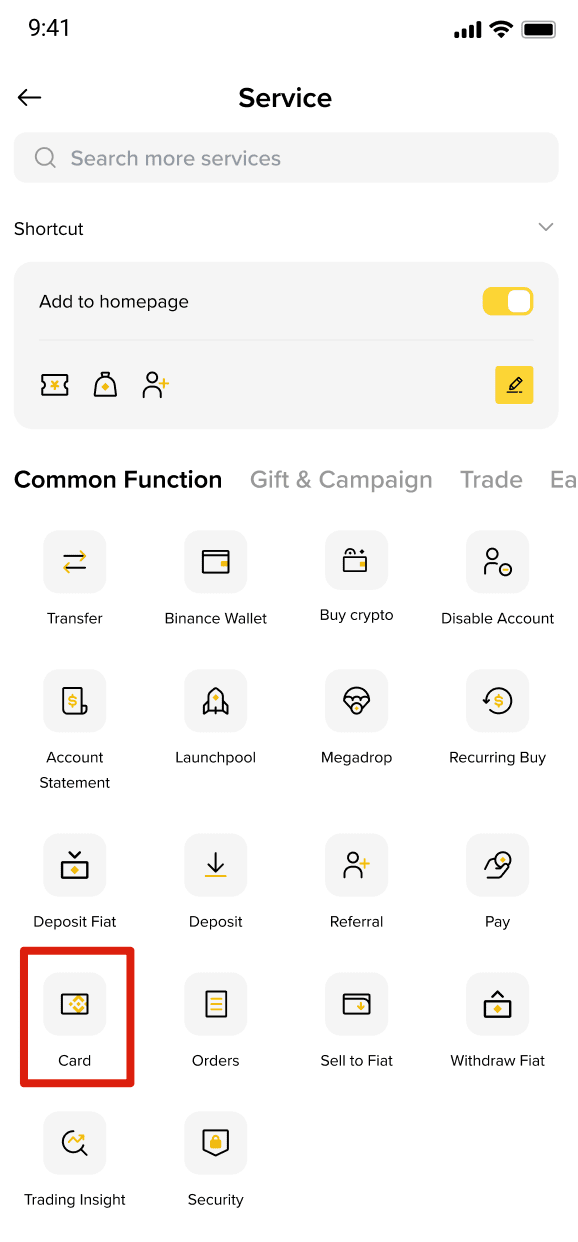
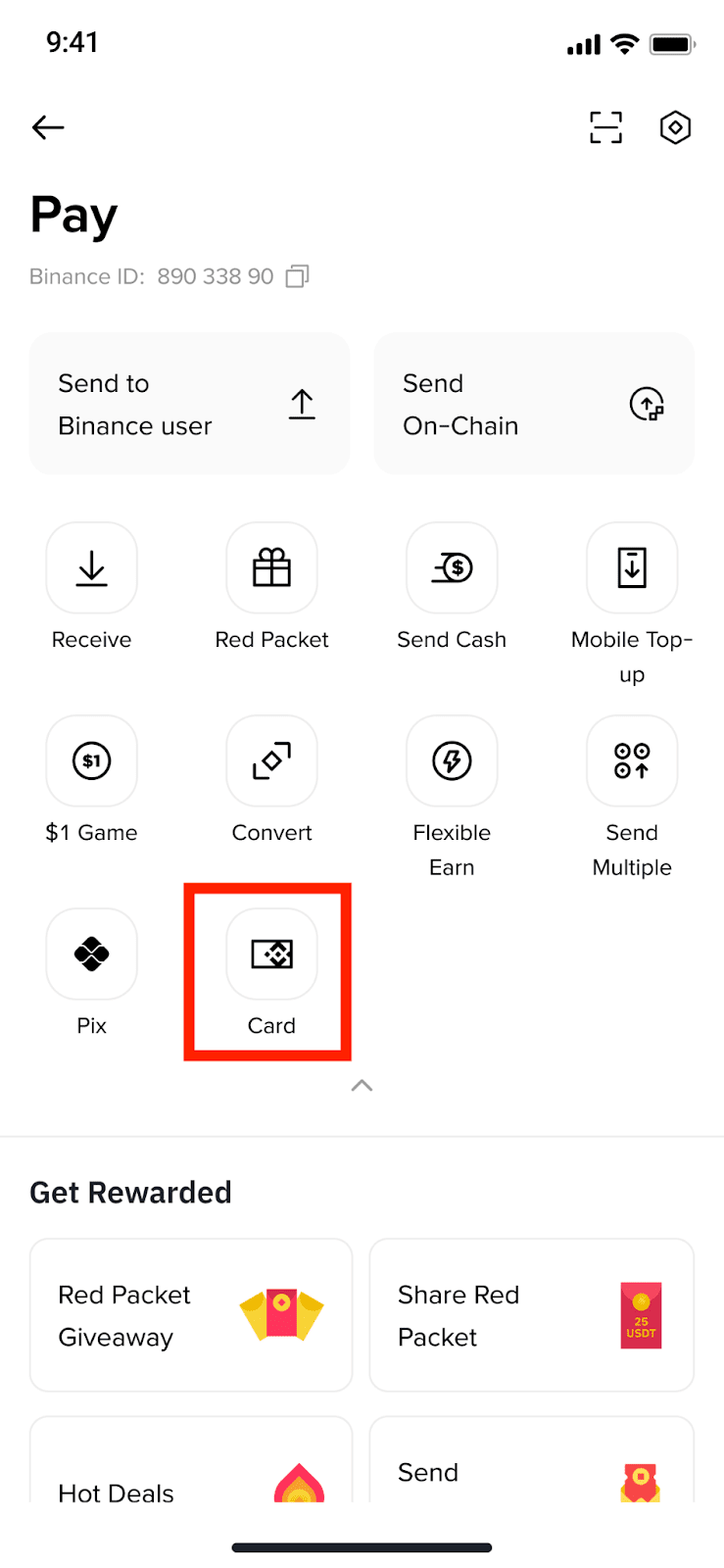
Alternatively, from the Pay page, tap [Card].
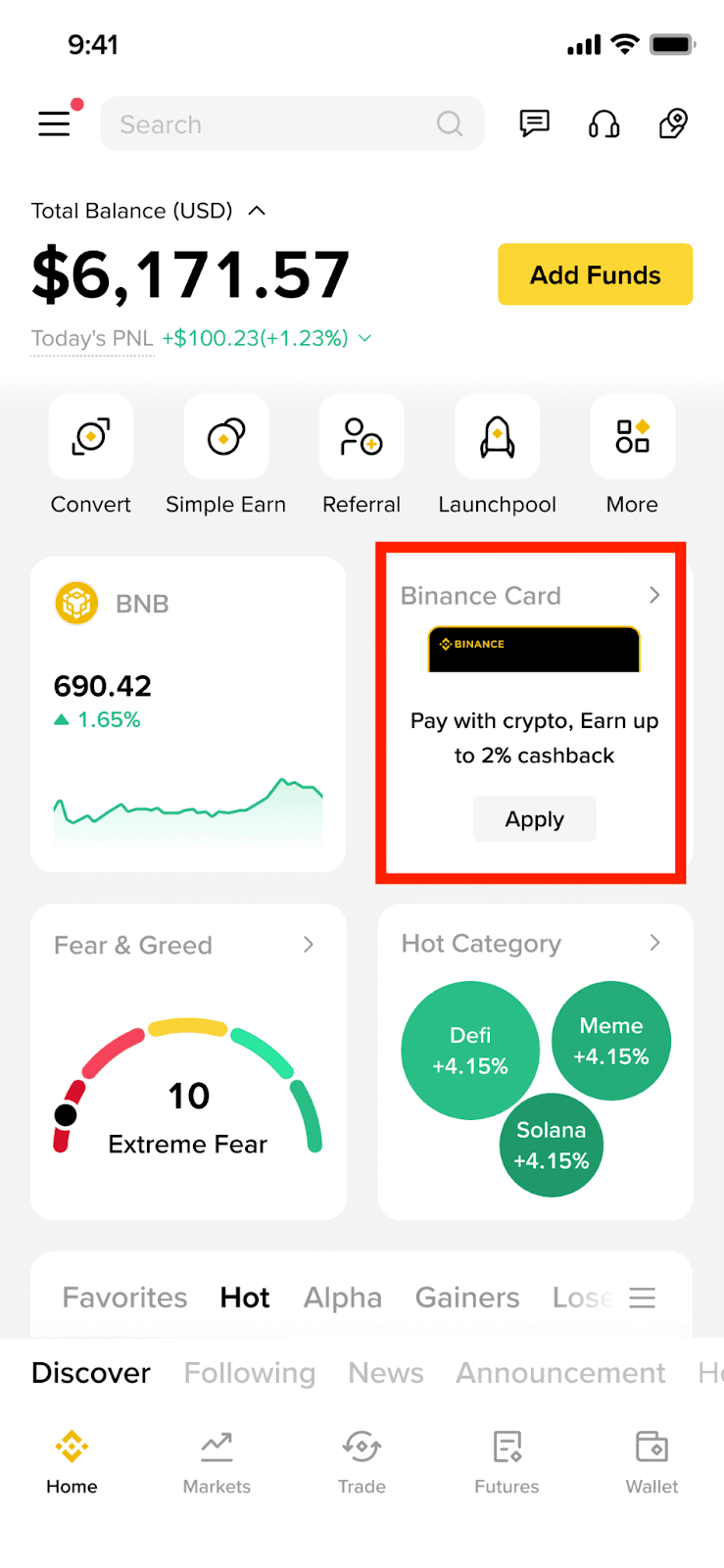
For quick access, you can add the Card icon to the App homepage from [More]. Tap the [Edit] icon under [Shortcut] to add the [Card] icon.
You can also add the Card Widget to the App homepage by long pressing the screen on the app homepage. Then tap [+] and find the [Card] widget to add to the homepage.
To view your card details, such as the card number, CVV code, and expiry date, tap [View Card Details] below the image of the card on the Card Dashboard and complete security verification.